
Hey there! Tired of that boring and old bad red hearts on your HUD. Well say no more of that! Customize your heart color/style with Custom Hearts by TheBestPH with currently 7 custom hearts available!
HOW TO USE?
1. When you have successfully imported the pack, go to Settings>Global Resources.
2. Select the "Custom Hearts" resource pack.
3. Click "Activate"
4. When it is activated, select the pack again and click the settings icon.
5. Now you can customize it with 7 different styles and themes!
SCREENSHOTS
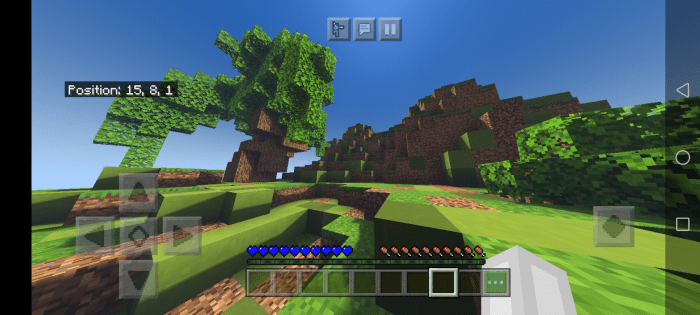
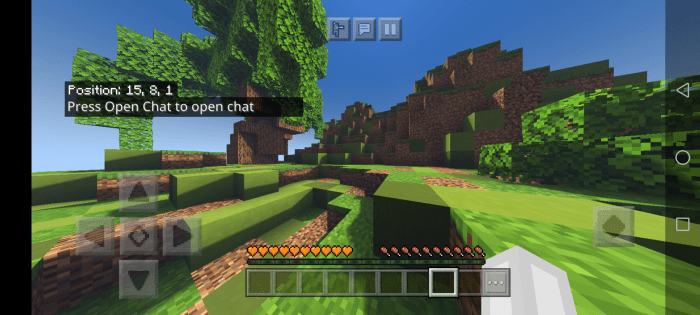
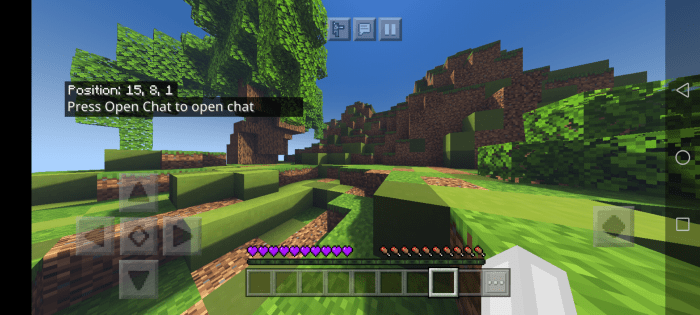
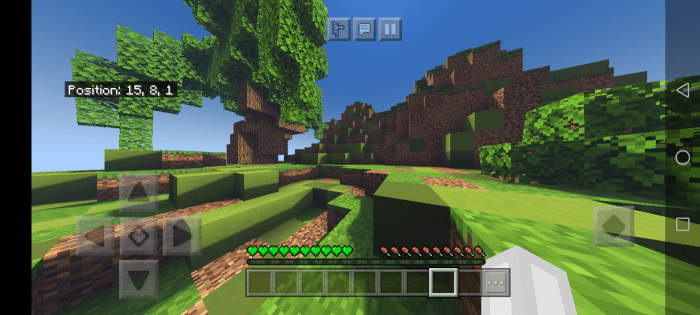
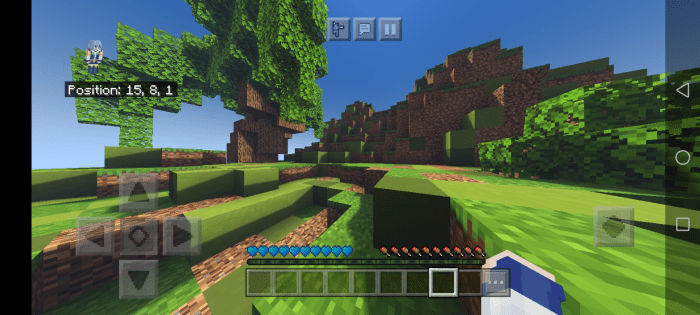
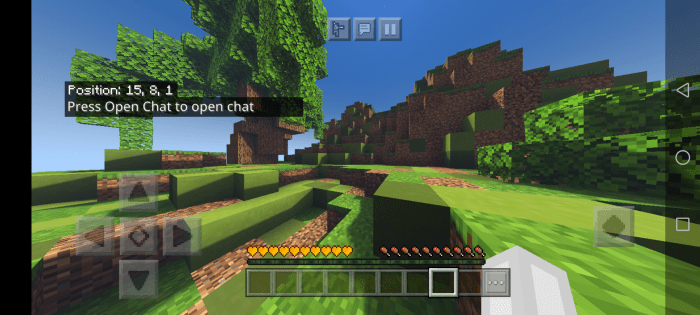
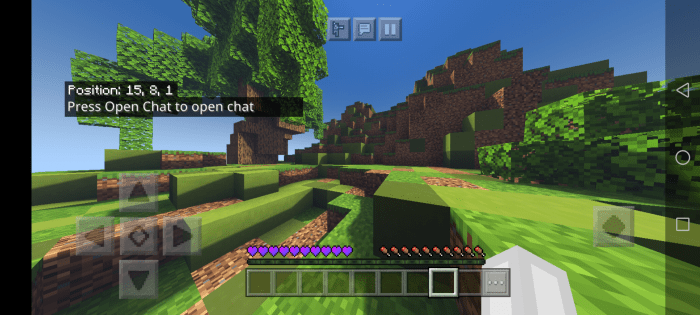
CREDITS
This pack was made by TheBestPH himself
The shaders used on the screenshots was Zebra Shaders.
PERMISSIONS
-You may review this pack but you must put the mcpedl link.
-You may modify this for private/personal use only
-You may monetize your content with this pack but please credit me
-You may not steal this pack
-Do not put the direct download link
Please follow these so i will not strike your content.
Installation
there are three download ways, subscribe to unlock and adfly.
For the adfly, do not click on those scam ads. Just click "skip" and you will be redirected there
For the direct link, join my discord server and download it there!


11 Responses