
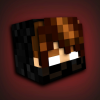
Hey guys! Have you ever wanted to wear the skin of everyone's favorite Youtuber, Xyurfire? Well you're in luck! This skinpack has all the skins I have ever used. They are all custom made with great detail.
Here is how the skinpack looks in the skin editor:
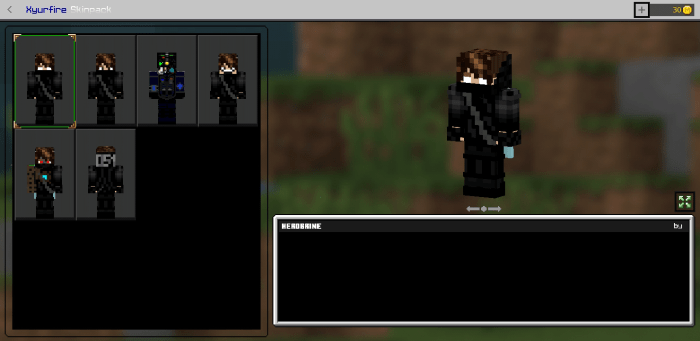
Herobrine Variant (main skin)
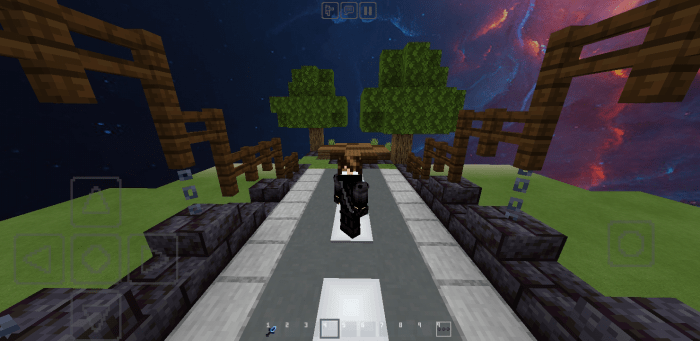
Normal Eyes:
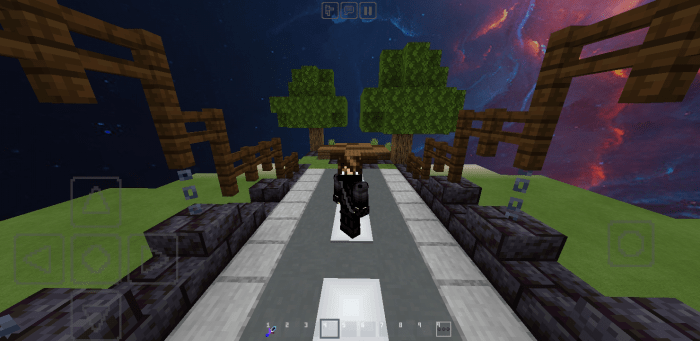
Soldier (128x skin, may not work on some servers):
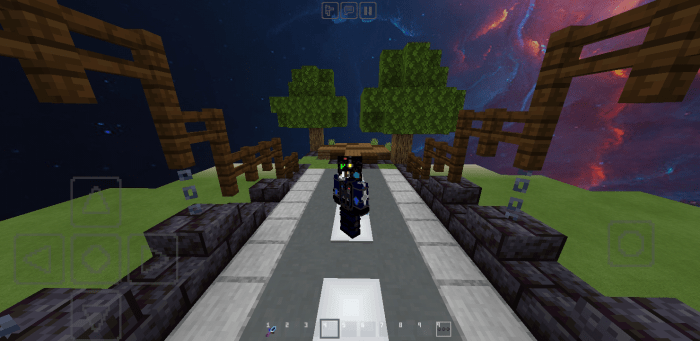
Weird and derpy smile (great for trolling):
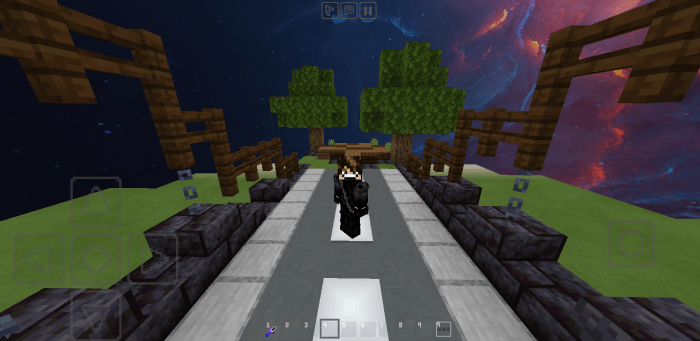
Robot:
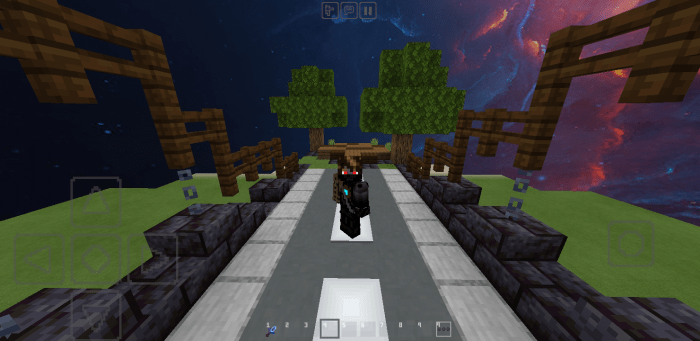
Backwards skin (great for trapping):
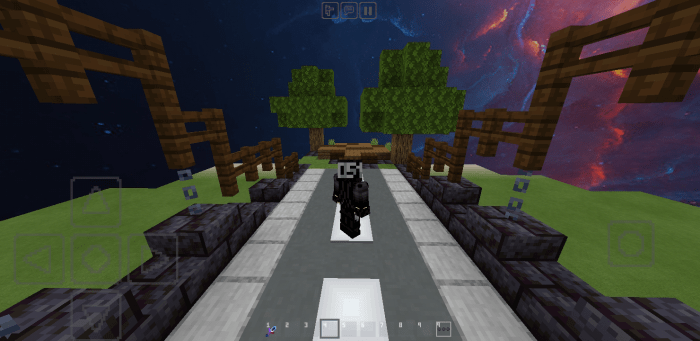
If you like the texture pack featured here, then here is the link:
https://mcpedl.com/epic-pvp-pack-16x/
Click here to SUBSCRIBE to my Youtube Channel!
Installation
- Download
- Press on it and should automatically import
- If it does not automatically import, then rename the file from .mcpack to .zip, then unzip to the skin packs folder storage/games/com.mojang/skinpacks
- Open Minecraft, and from the main screen go to Profile under your character
- Press Edit Character
- Press on the second tab (has multiple people in the symbol)
- Press on Owned
- The Skinpack should be listed right there.


1 Responses