

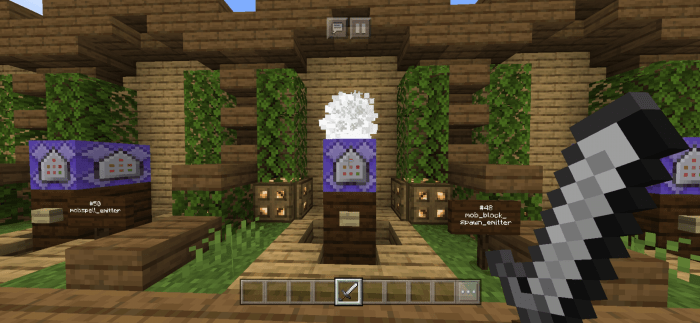
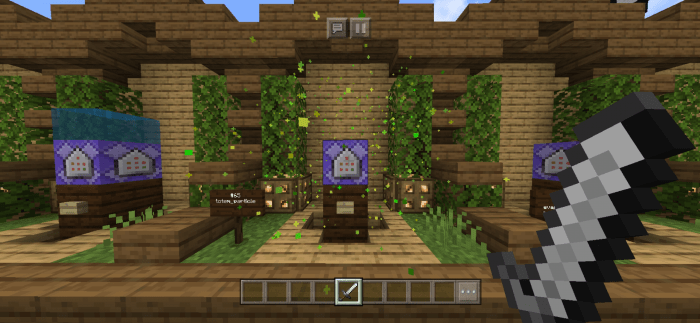
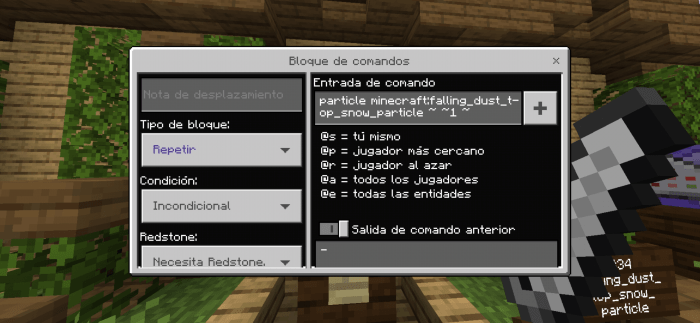
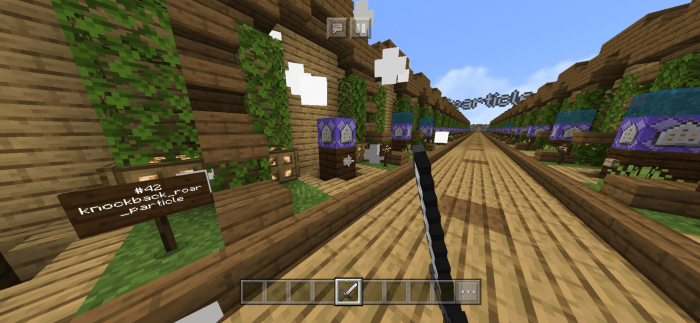
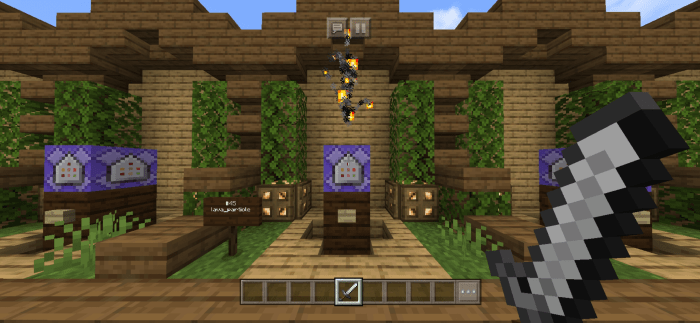
The particles are added in Minecraft and can be used using a block of commands and entering the command: / particle, plus the name of the particle you want to use and finally entering the coordinates where they will be executed. In this map you will find all the particles that are working perfectly in the official version 1.12.0. Here you will have more than 50 particles listed with their respective names, so you can use it as decoration on your maps or servers.
Website: ©CubitosMC
Creator: Andiuber
Twitter: @Andiuber
Video Showcase
Installation


Note: If you want to share this content, be sure to use links to this MCPEDL post, do not use direct links or re-upload the content in other pages or apps.


6 Responses
1. you need to wait 5 sec
and click the button next to the wait for 5 sec after that
2.you need to click allow
3.if it took you to the link and u downloaded what you want to download go to google chrome settings go to notifications and block the notification.