
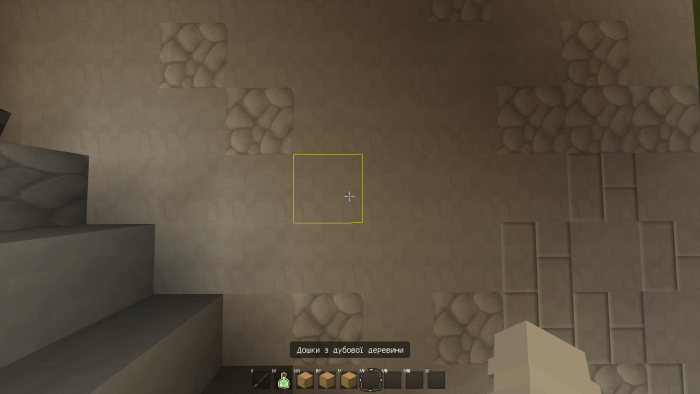
Nilettor PvP Pack is a texture for pvp in 64x64, 256x256 resolution. This highly detailed texture allows you to feel the game and look at the beauty of the textures and kill all the players. The PvP texture is highly detailed. Therefore, it may not work on all devices. But it will help you feel comfortable on the eyes and play.
Armor 256x256

==========================================
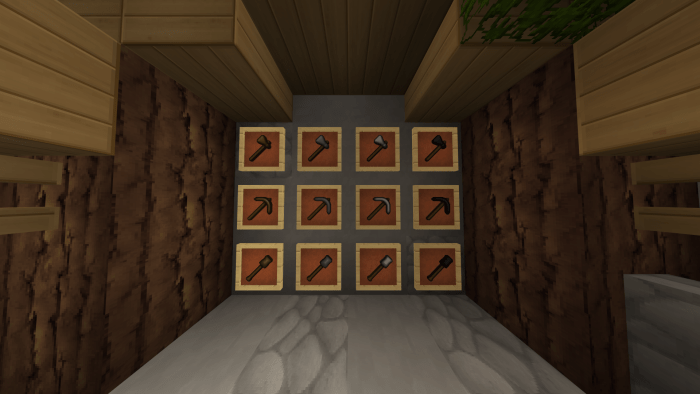
Items 64x64

==========================================
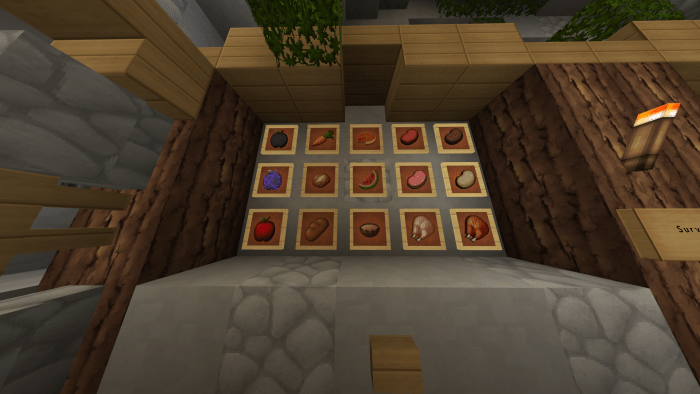
Foods 64x64
==========================================
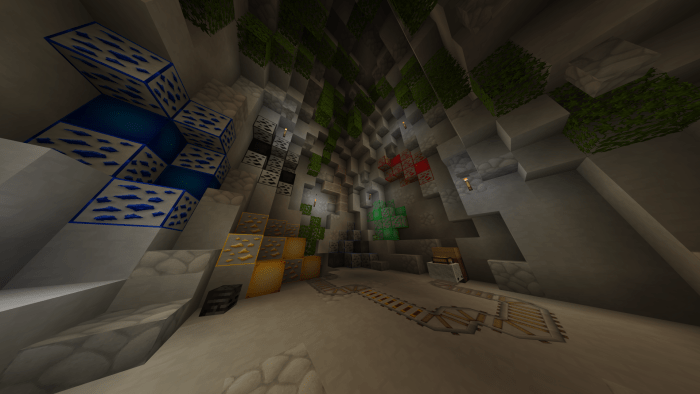
Ore and blocks 64x64
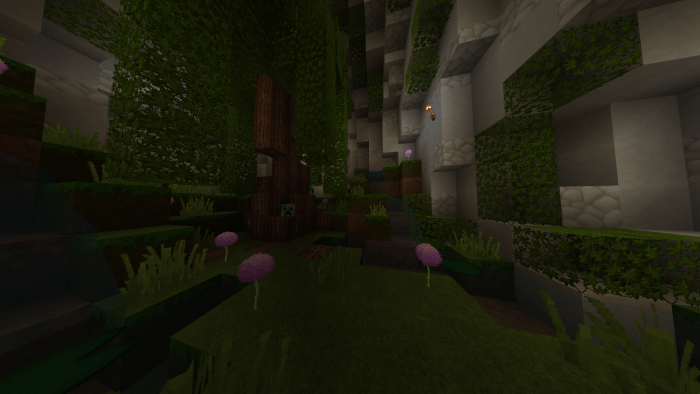
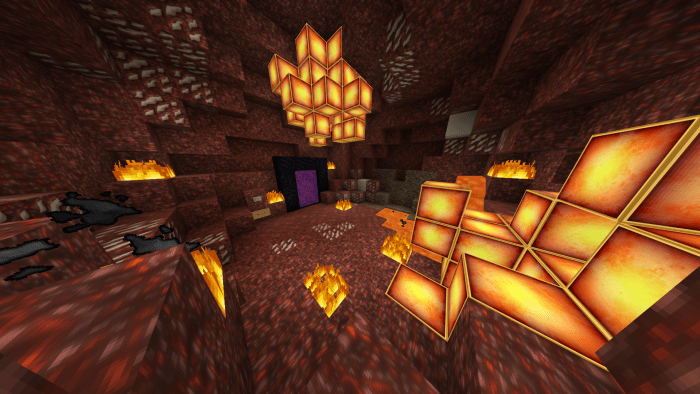
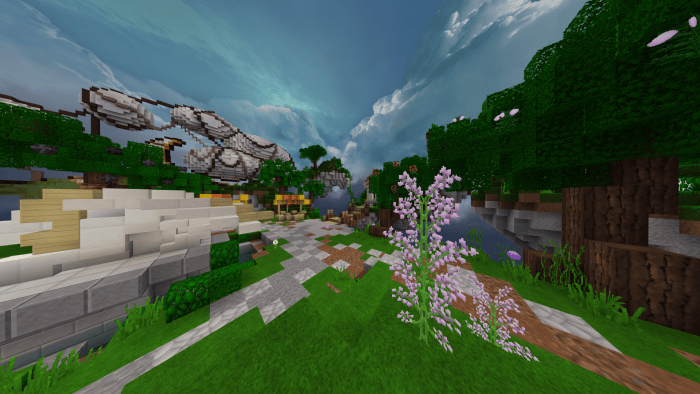
==========================================
Particle 128x128
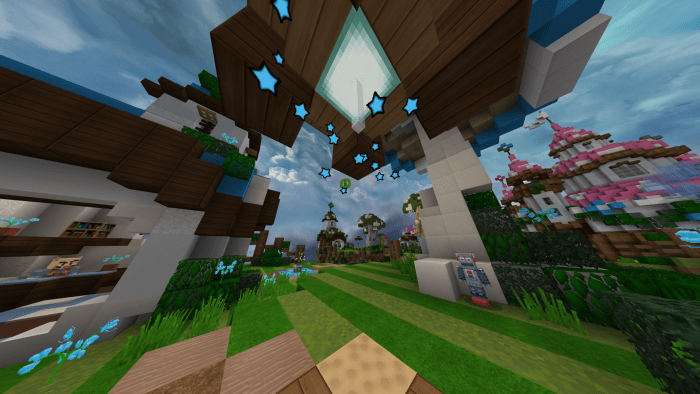
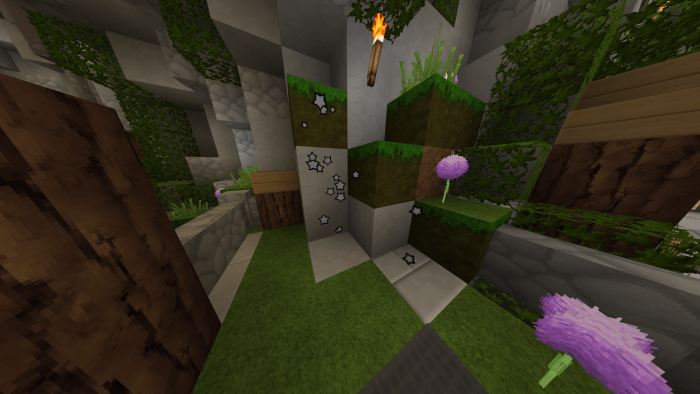
==========================================
Custom Sky
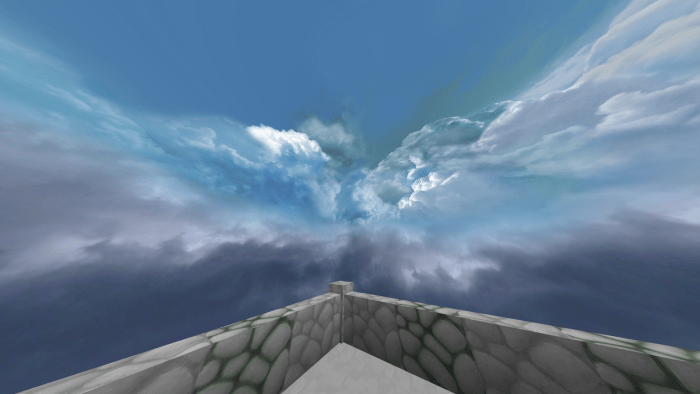
==========================================
Inventory
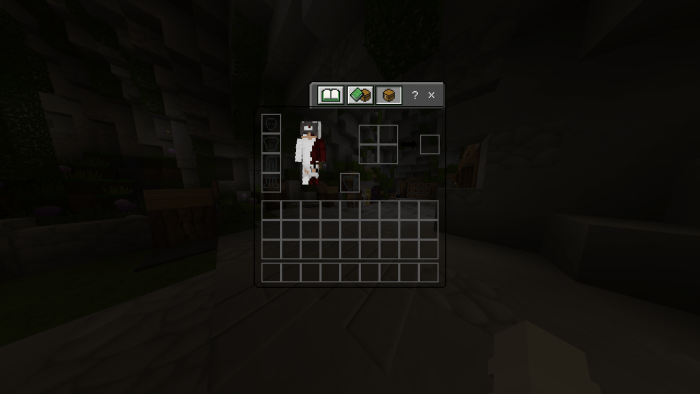
Select version for changelog:
Christmas update.
Updated texture of chests, and several blocks for Christmas mood.
Improved optimization.
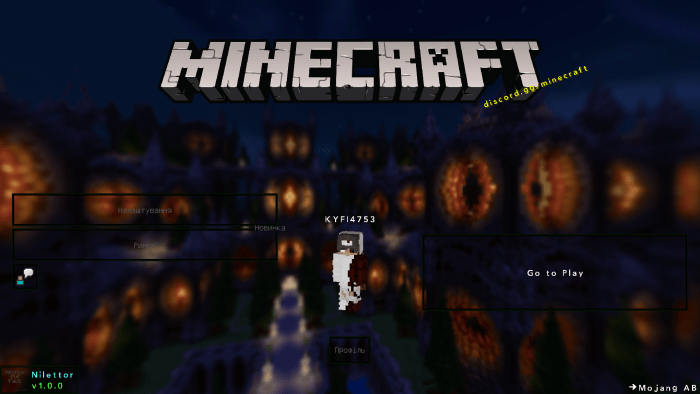
New panorama.
Installation
Download / Open file {Mcpack, Zip} / Go to minecraft / Settings / Global textures / Apply our textures/restart minecraft (preferred) / Open minecraft / After applying, wait a few seconds for the menu to load / Go to the server / Wait a few seconds for the textures to load.


23 Responses
U make this with a team,pls answer.
If the question is stoopid pls dont mind it,i am 9 years old :0
My devices is bad xd
start_screen_content/{no name}
In the future this will be an error and this file won't load."
how to fix it?
I already know about all the problems and they will be fixed. Thanks for the feedback.
plz fix