MCPE DL

Mods, Maps, Skins, Seeds, Texture Packs

Published on January 15, 2021 (Updated on January 15, 2021)

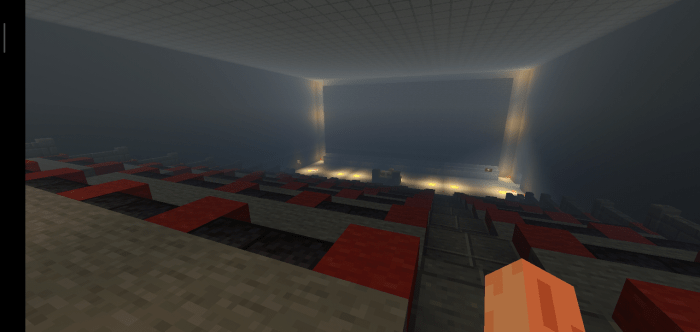
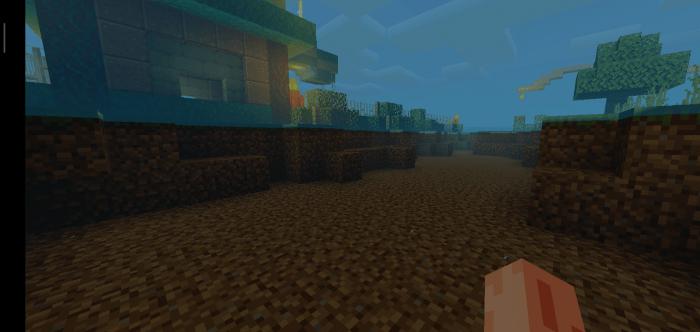
Ioniz Shader

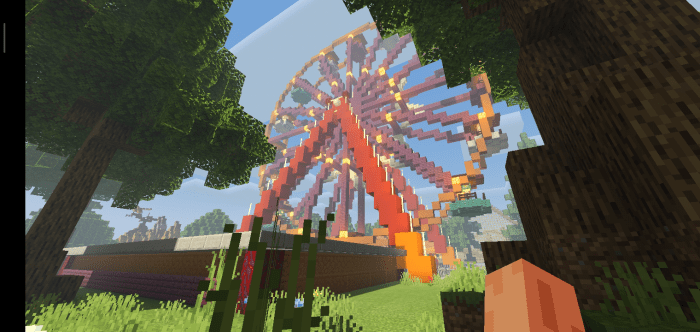
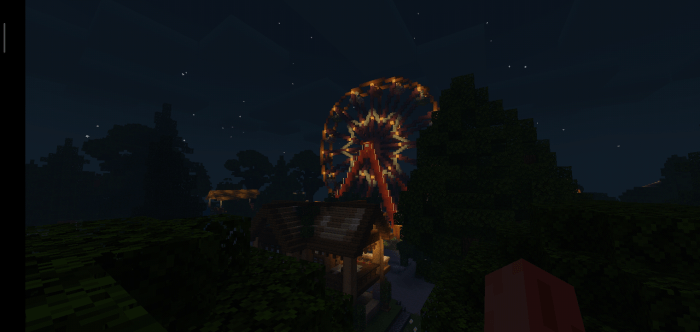
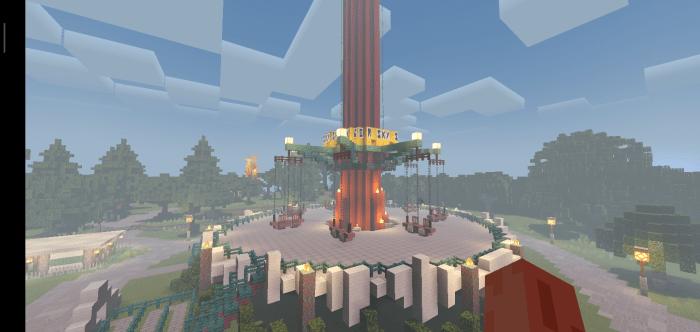
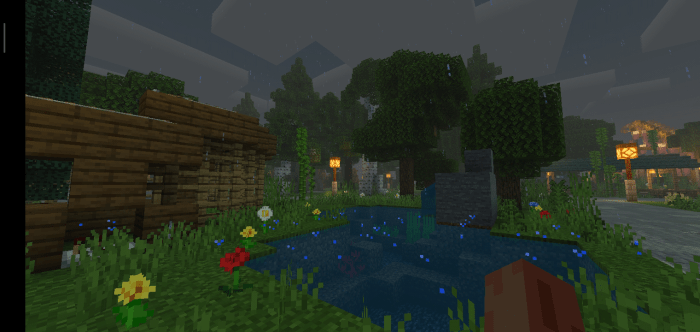
Looking for a good shader to use in survival? Ioniz Shader will stop your search! With warm and smooth coloring and also friendly with low and mid end smartphone, make your experience in survival mode look better!

Features:

  • Smooth and warm coloring
  • Enhanced Minecraft Default Clouds
  • Foggy
  • Low-Mid end phone support


Note:

  • Don't relink this shader!
  • Don't steal anything code from this shader without my permission!
  • Don't claim this is yours
  • Set minecraft brightness above 50 to better experience.
  • Not work in minecraft bedrock windows 10 edition.
  • Recommendedto use version 1.16.100 up and not beta version.


Screenshots:
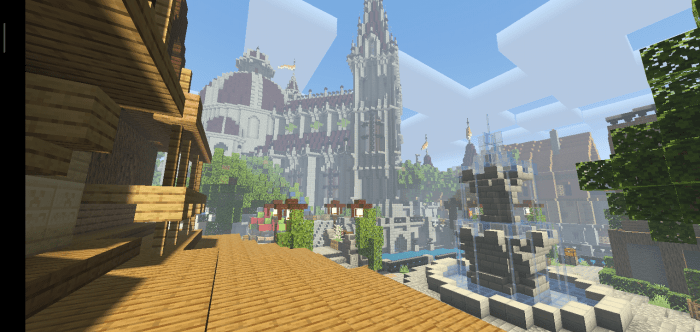


Day
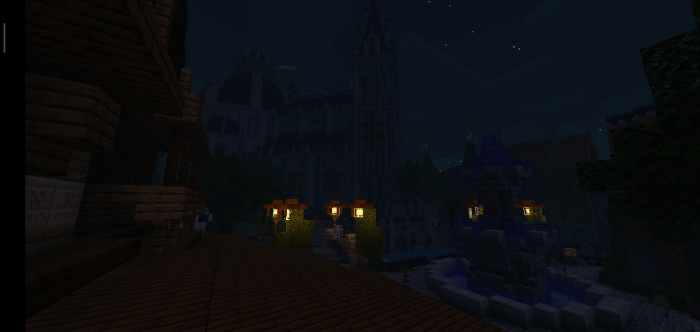


Night
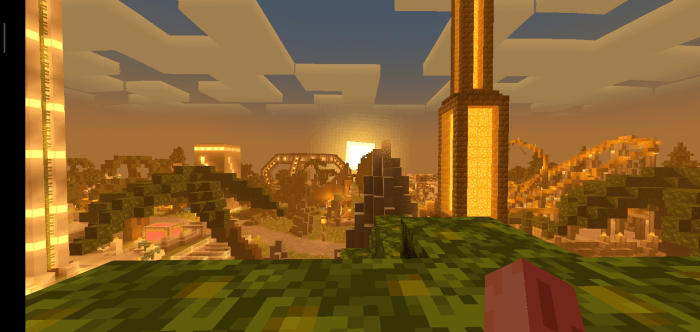


Sunset
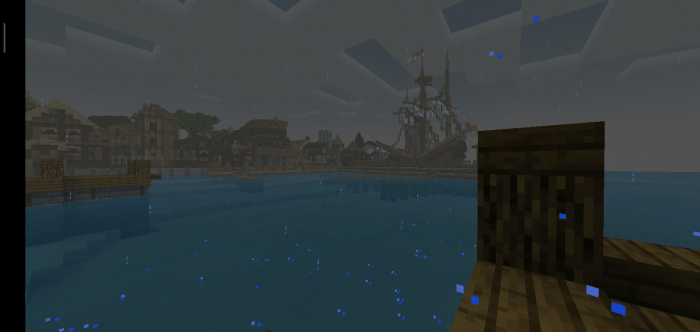


Rain
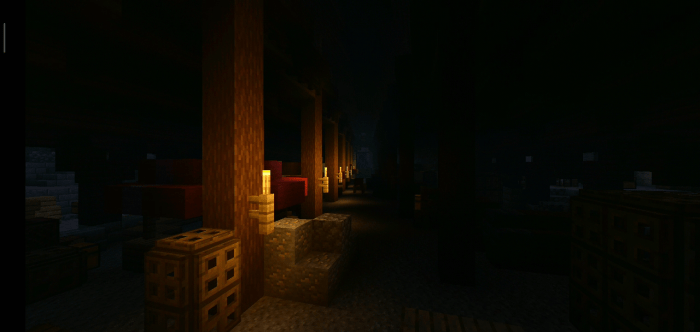


Others


Cinematic Showcase:

By Me, Damfii:

Download from my channel to support me :)
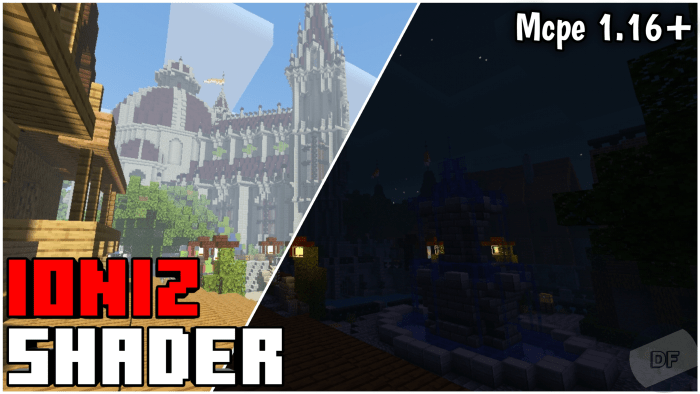
https://youtu.be/6Ab5HPXJYn8


By KK3310

https://youtu.be/5y5XsVeRfno


Maps used:

Supported Minecraft versions

Resolutions

Installation Guides

29 Responses

Comments 29
4.69 / 5 (13 votes)
1
Can you add underwater wobbling?
Log in to Reply
1
The .mcpack download takes me to .ZIP download
Log in to Reply
1
hi really nice shader pack i just downloaded it and i have a question. i just put it in resource pack file but do i have to do it in behavior pack to? and will it change something if i put it in behavior pack to?
Log in to Reply
1
Can you make the MCPACK work? I want to use this in my world and while play in Minecraft. I downloaded the mcpack but it's a zip idk how to place it in the game unless you can tell me how to put the zip file into the game
Log in to Reply
1
help how do I fix invisible world
Log in to Reply
1
Just invisible world or all invisible(no clouds, no entity, no sun, etc) ?
Log in to Reply
1
I might of found the pathings to the Render Dragon shaders area

File destination:
C:\Program Files\WindowsApps\Microsoft.MinecraftUWP_1.16.20102.0_x64__8wekyb3d8bbwe\data\shaders\hlsl
Log in to Reply
1
Those are unused in the windows 10 version, the render dragon shaders are locked away somewhere in the code
Log in to Reply
1
I love shaders that include fog and you nailed it with this one keep up the good work!
Log in to Reply
1
looks like work and cool, new taste of shader, i should try it now
Log in to Reply
1
Hey KK3310 could you pick up KURI shaders. It got discontinued and was hoping for some extra features?
Log in to Reply
1
"Not work in minecraft bedrock windows 10 edition."
Idk man I think it might
Log in to Reply
1
It dus not work anymore cuz windows 10 has the same render engin as console thats wy it dus not work anymore cuz of render dragon engin soon shader makers can start coding with is its verry hard and maybe not even possible at the moment
Log in to Reply
1
Do you get what a joke is?
Log in to Reply