

Welcome to Green Land Estate V.2 (The Chronicles of Narnia)
Join with friends and build a great world with the estates mysterious mansion. Find many rooms, secret passage ways, and a magical wardrobe that takes you to a world frozen over by the evil White Witch, Jadis.
This Massive Mansion is absolutely perfect for hide and seek and just plain sneakery! Check every painting, trapdoor and cupboard in the house for any tunnels and secret rooms..
TIP at least one player must have a torch in his or hers inventory for the wardrobe to let you into Narnia. No torch, no Narnia! Same goes for going back home. No torch, no getting back home! You’ll be stuck in Narnia otherwise.
The year is 1940. You flee the horrors of WWII and escape to the country and stay at your Uncle’s quiet mansion.
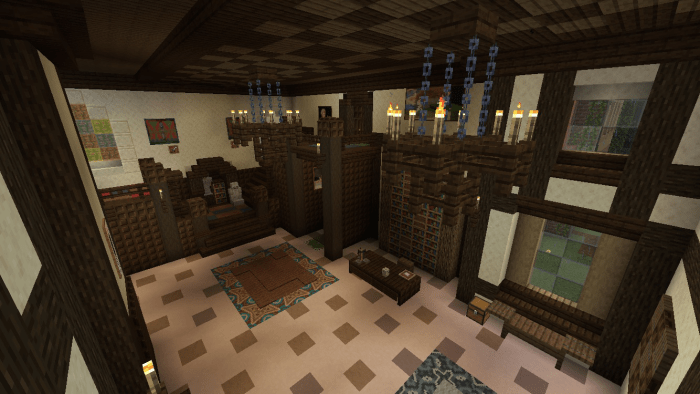
With plenty of rooms and secret passageways, there is heaps to explore.
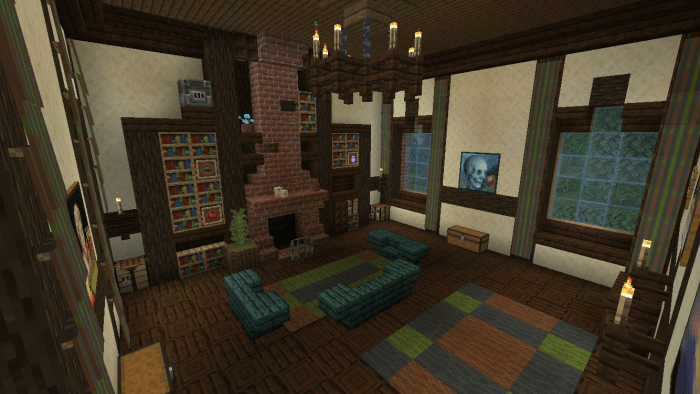
While playing a game of hide and seek, you discover a spare room with an awfully big wardrobe.
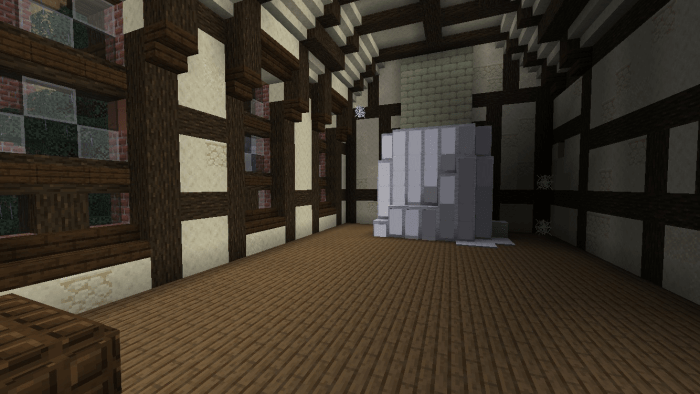
You hide in the cool fur coats and walk back further than anyone should in a wardrobe, and find it’s getting much cooler.. and discover a winter wonderland!!
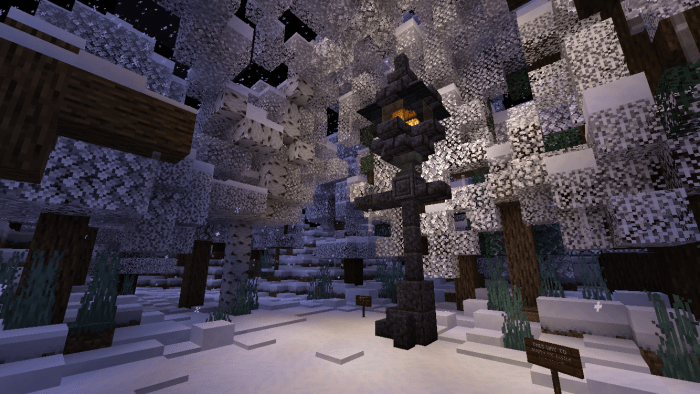
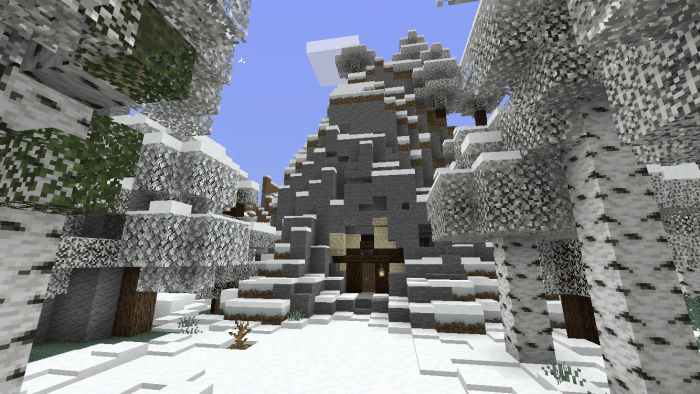
In the warm light of a lamp post, you are directed to either Mr Tumnus’ House..
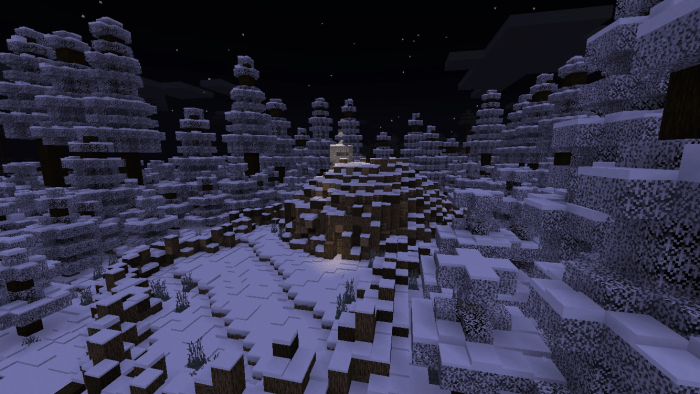
Or.. The Beavers Dam!
Or even.. The White Witches Ice Castle..
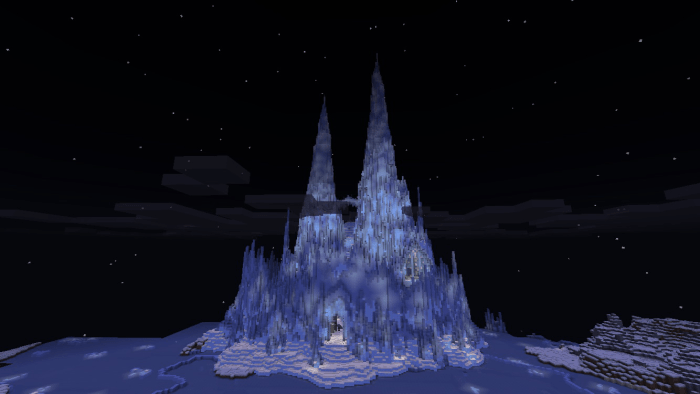
She’s the one who makes it always winter but never Christmas. For over 100 years too! The goal of the map, (when you get to Narnia) is to break into her castle and collect all the treasures! But beware... the land of Narnia is filled with her spies and guards so be careful!
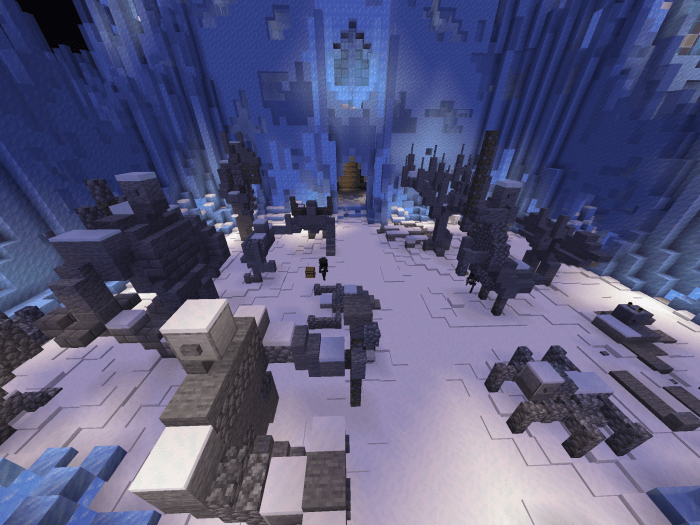
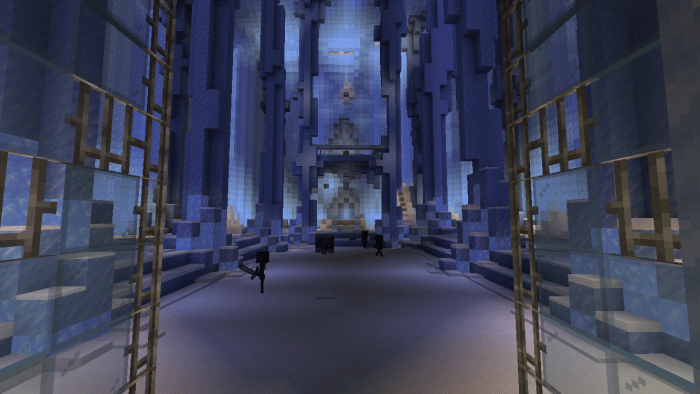
You’ll need at least two other friends to break in without getting killed. Or go Solo and try defeating her guards yourself!
Select version for changelog:
Green Land Estate V.2 is finally here!!!
-many more rooms added
-more secret passageways and tunnels
-more accurate to the movie
-Wayy bigger mansion
-changed lamp post
-changed entrance to Narnia
-changed wardrobe mechanic!
wardorbe will now only let you into Narnia if a play has a torch in their inventory
-more fine tuning here and there
-more hide and seek compatible
-added signs to give further information
-added bushes and shrubs to make it easier to stay on paths
Installation
Download MediaFire link
Once in downloads folder tap on downloaded file and play.
If the level fails to import (NOT SPONSORED!) try downloading an app called Addons both in google play store and App Store. I AM NOT SPONSORED


22 Responses
If there's a mcworld I can use, can someone just put in the link please?
(You can find the same app in the google play store) NOT SPONSORED
Windows C - Users - User - .AppData - Local - Packages - Microsoft.MinecraftUWP(...) - Local state - games - com.mojang - minecraftWorlds
In this folder you need to find your world's folder based on the photo of world_icon.jpeg.
Then you must send all the files INSIDE the folder to a .zip file
Then you change the extension from .zip to .mcworld - it should be a working .mcworld file to import the world with double click unless:
- it contains unknown signs - then you just need to change the name of the file/folder with unknown signs
You can upload both .zip and .mcworld file on your mediafire account. I can also suggest you publishing the world on google drive share(you can share a file with a link, get down to it if you're interested)