

Hey! Mark here and I'm back with an update with 12 new enchantment glint. Took some while but here I am with new ideas came into this pack, but not only that I've finally added the lodestone compass (even though no one asked for it).
I was inspired by Xisuma's texture on his videos and search for one and didn't find any that looks similar to it and haven't found one, so I tried made my own.
In this update I made the new glints in a completely different pack so that the older version is not needed to be reinstalled
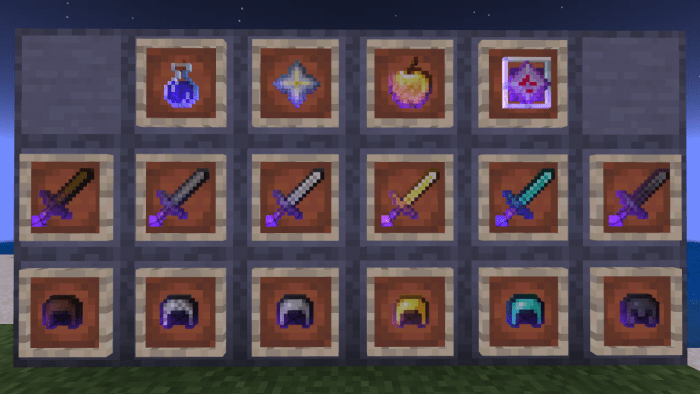
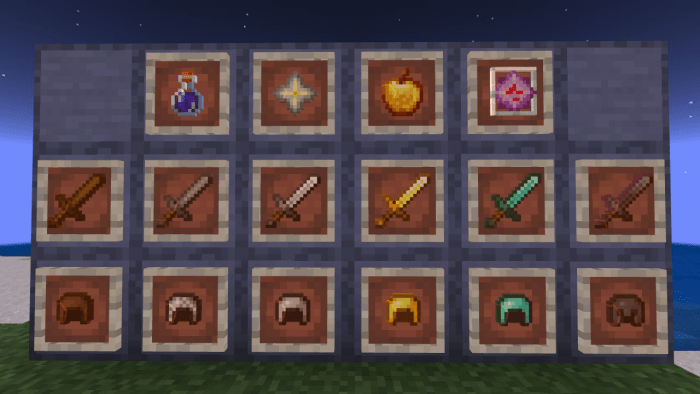
I've finally added the lodestone compass:
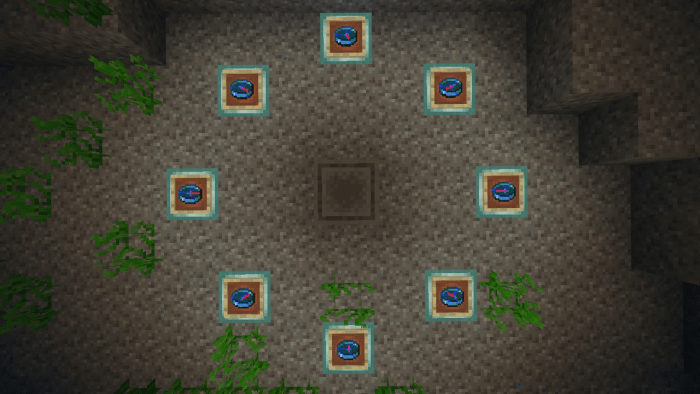
Though I've updated the lodestone compass to become the same resolution as the other items and haven't bother to change all the packs to be a different one. In short terms you have to reinstall the packs to have the lodestone compass.
Colors and Variations:
Colors:
- Default
- Red
- Yellow
- Blue
Variations:
V1:
- Default
- Normal gadient glint
- Cyber
- Edgy Cyberpunk Look
- Bolt
- Bolts of electricity
V2:
- Dark
- inversed lightning
- Lighting
- continuous and darker feels
- Corrupted
- inversed bolts and has a corrupted feels like in RPGs
V3:
- Squares
- Squares (yeah)
- Hexagons
- the things that I didn't understand in science class
- Smooth
- Smooth seemless loop
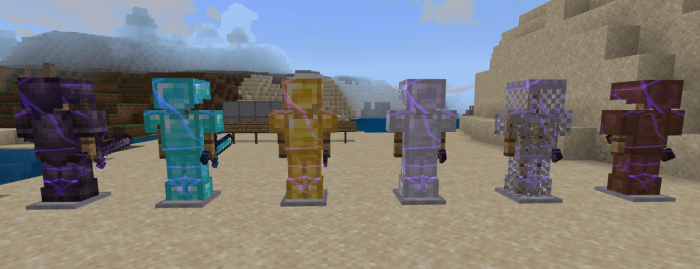
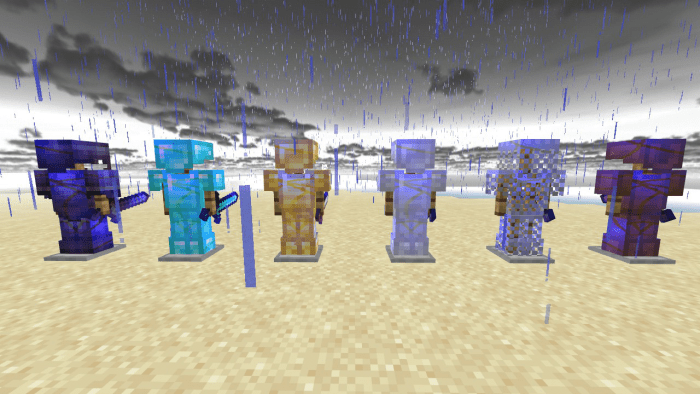
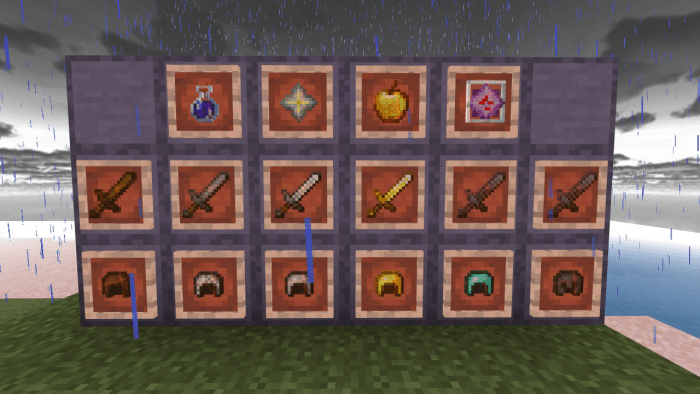
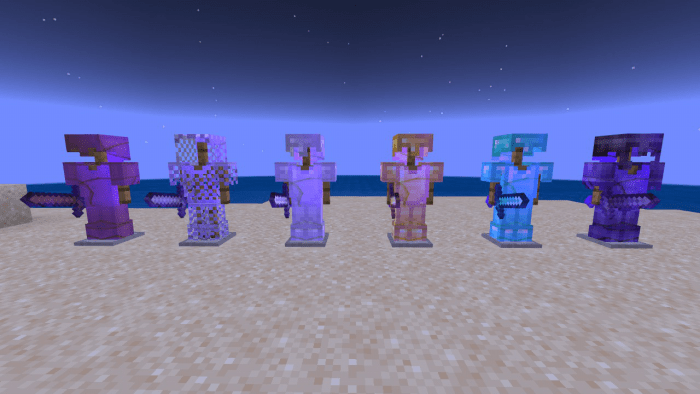
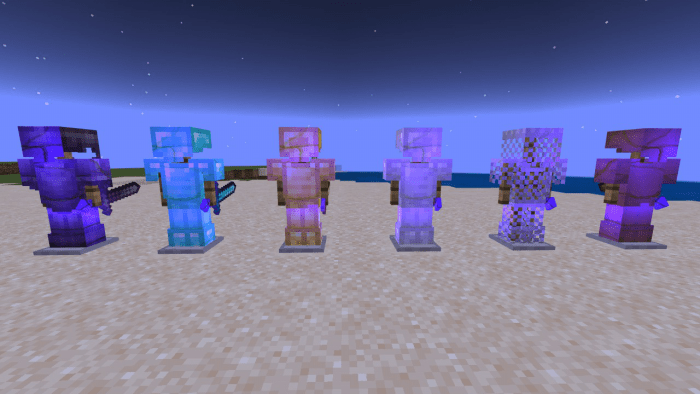
Here's some pictures:
V1
Bolt Default
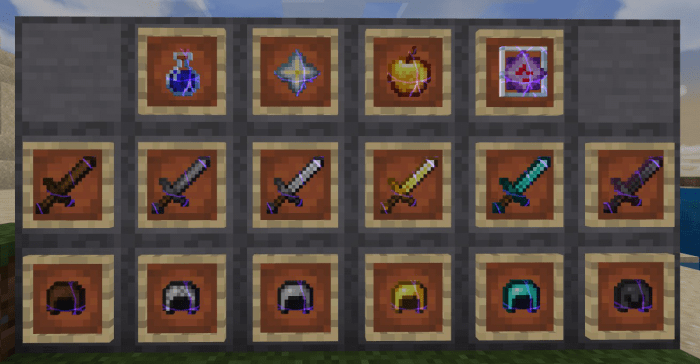
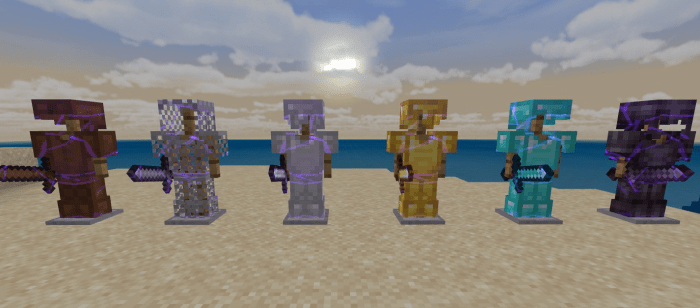
Default Yellow
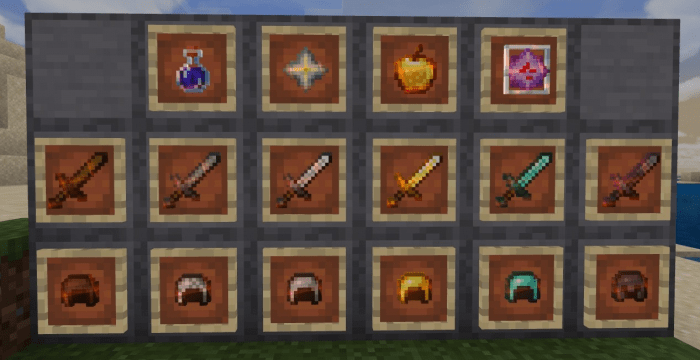
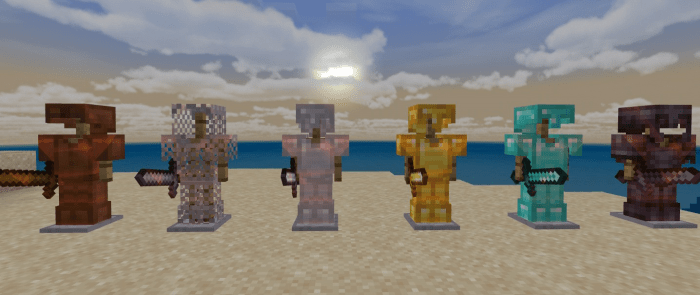
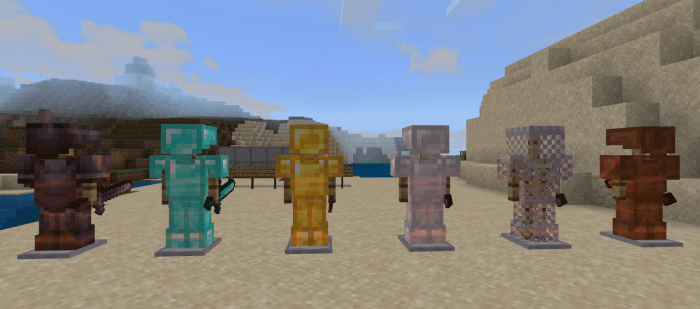
Cyber Red
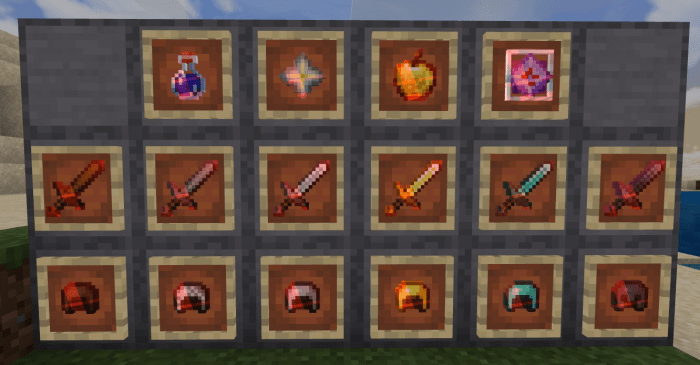
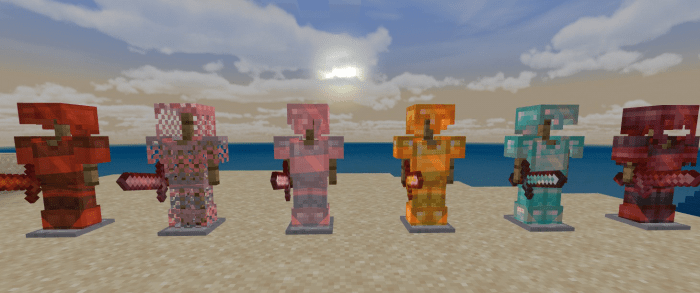
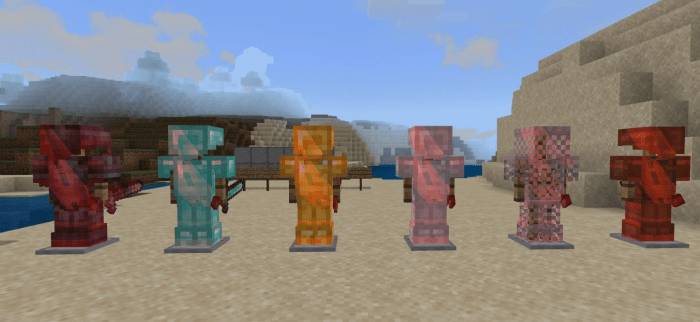
V2
Dark Blue:
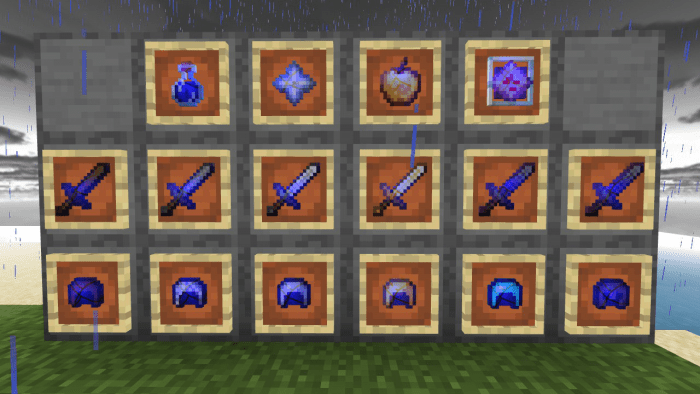
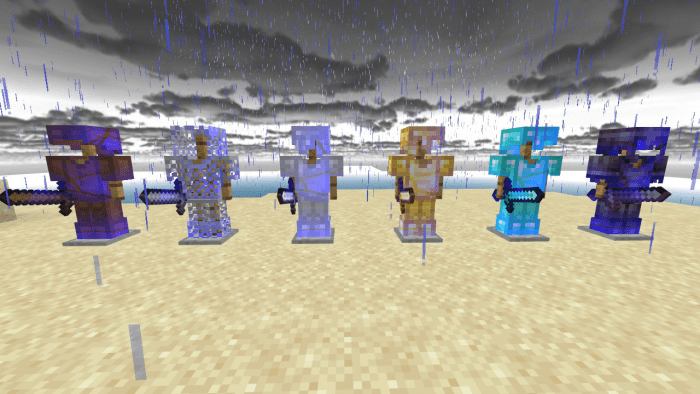
Lightning Yellow:
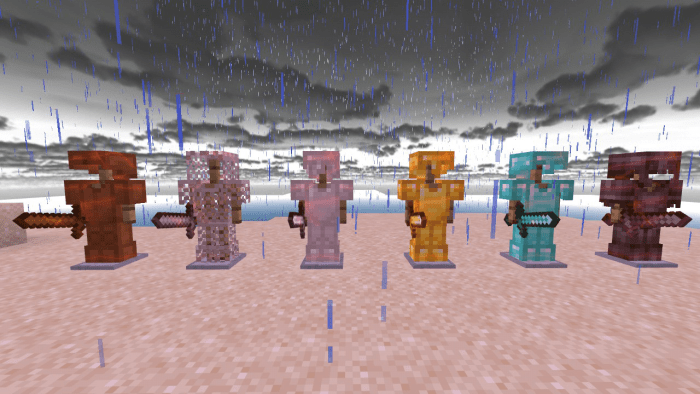
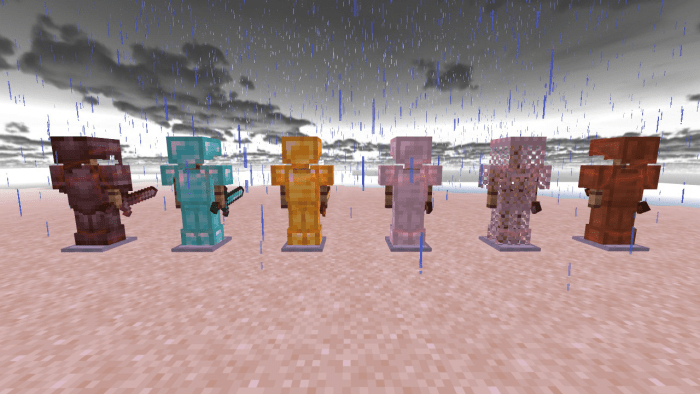
Corrupted Default:
V3
Squares Red:
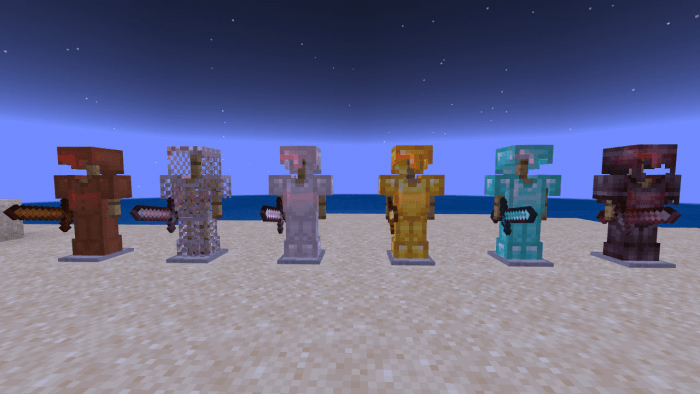
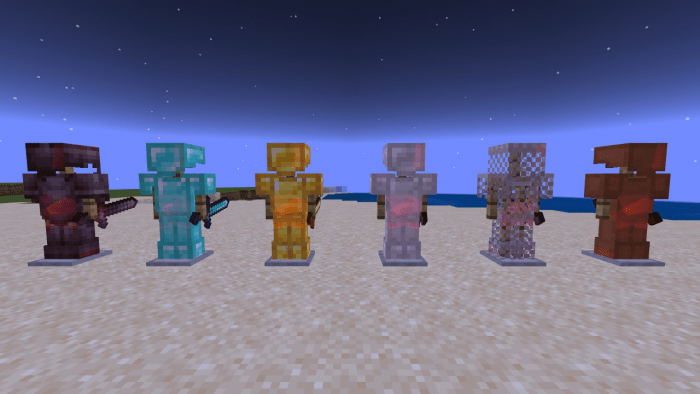
Hexagons Yellow:
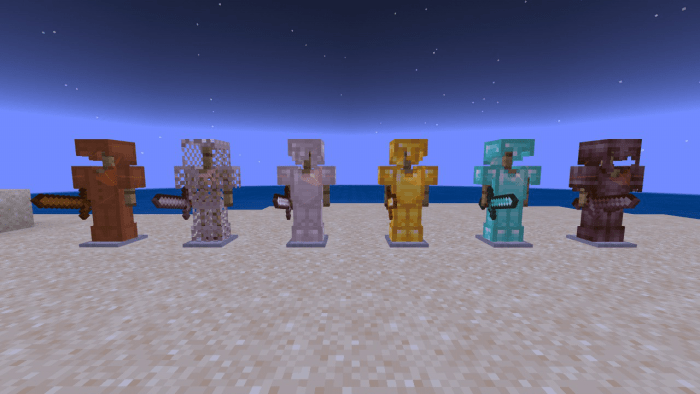
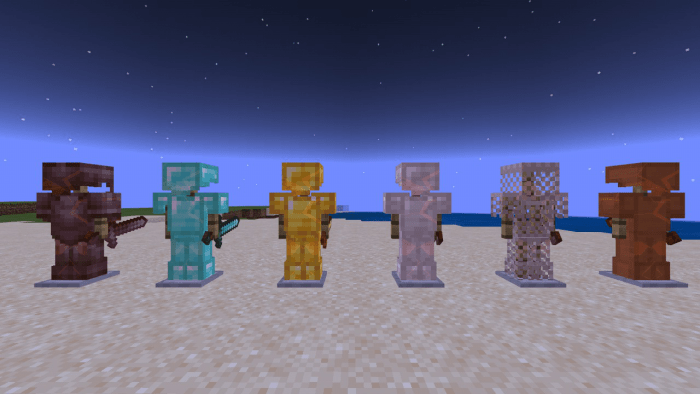
Smooth Default:
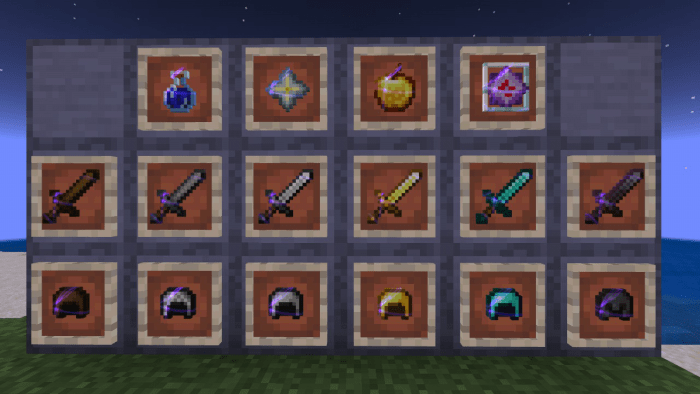
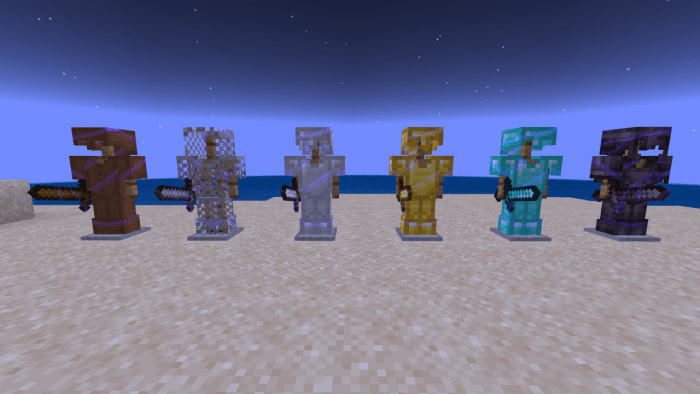
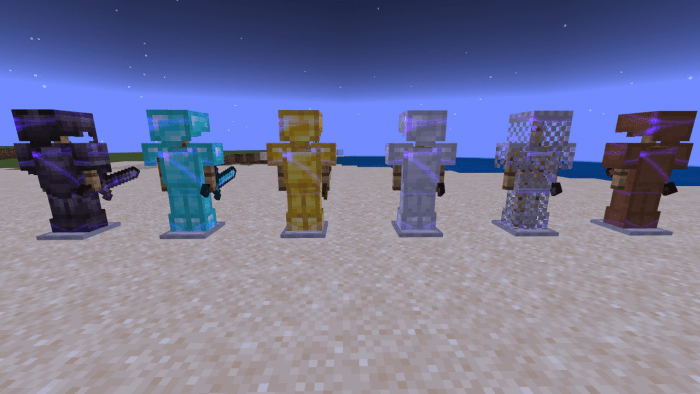
And many more... (Some pictures may be blurry and/or even looked like the default one so you have to try it to see it)
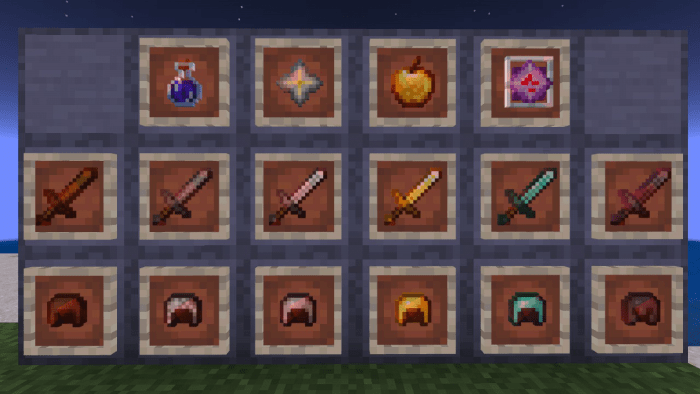
I also changed the resolution of all the items that uses enchantment glint
The 256x items makes the glint smoother, there's also a 128x item pack and 64x for less lag.
Have a look
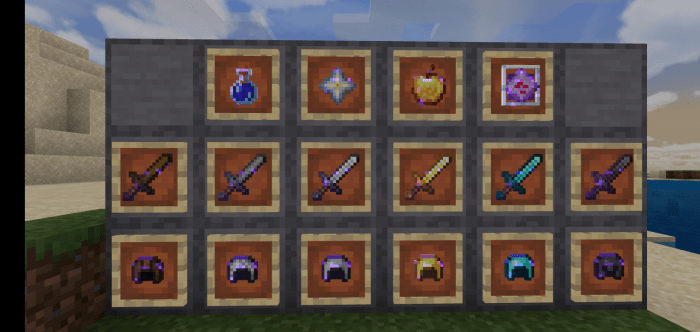
16x
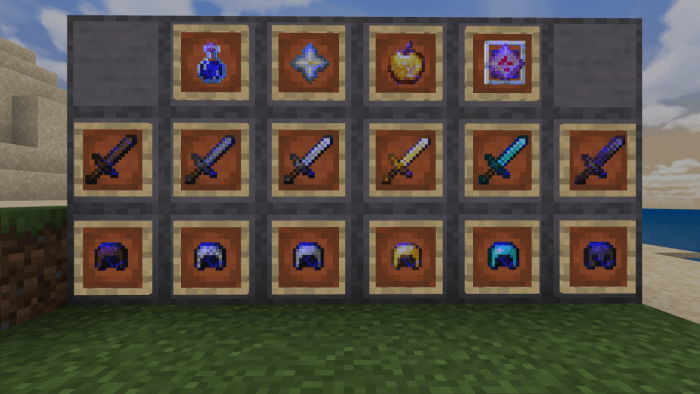
64x
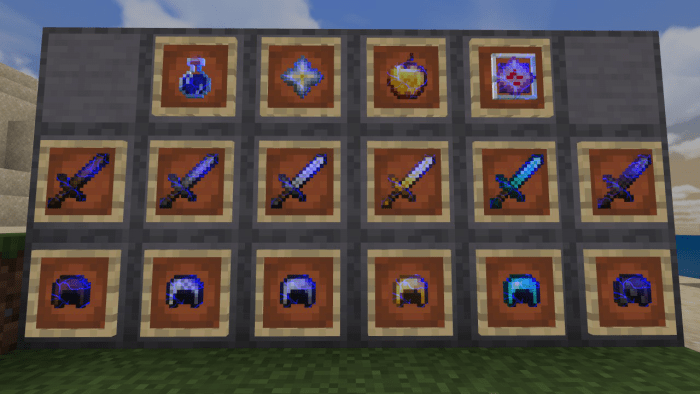
128x
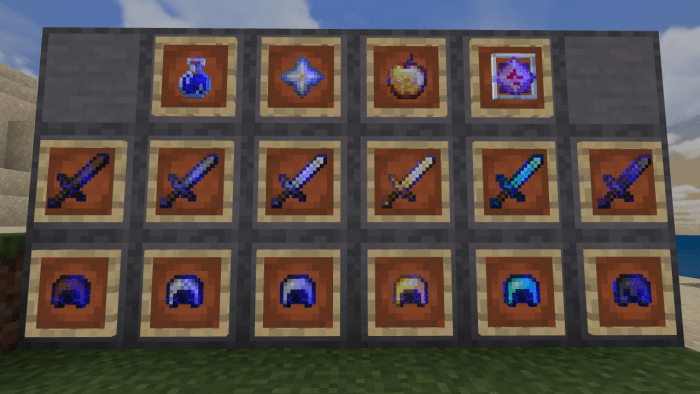
256x
Now there are 2 glints:
128x
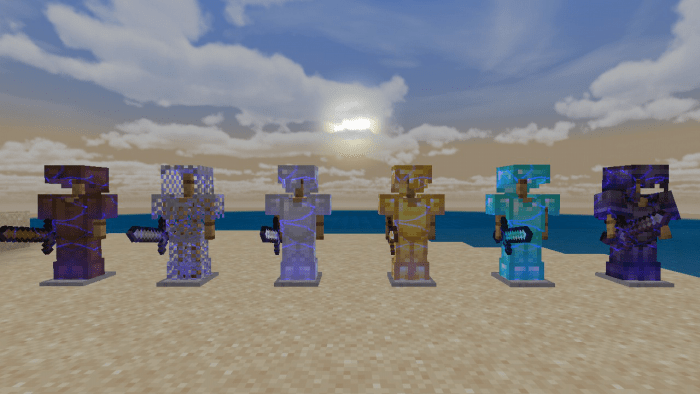
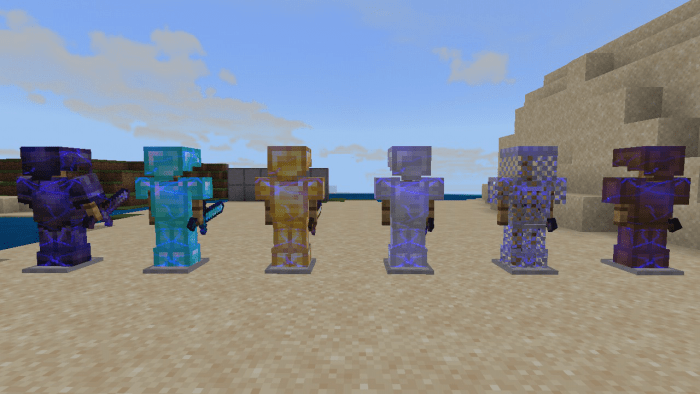
256x
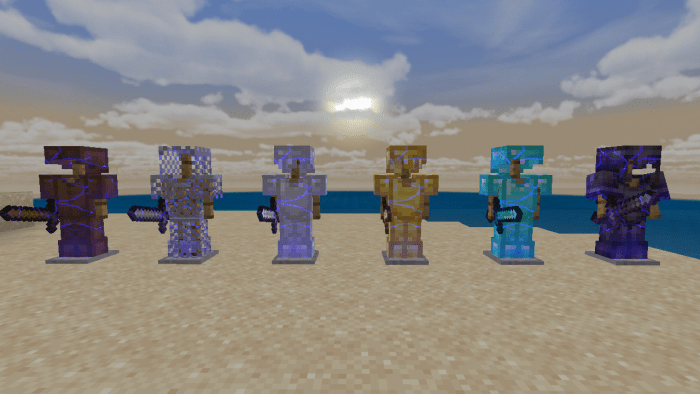
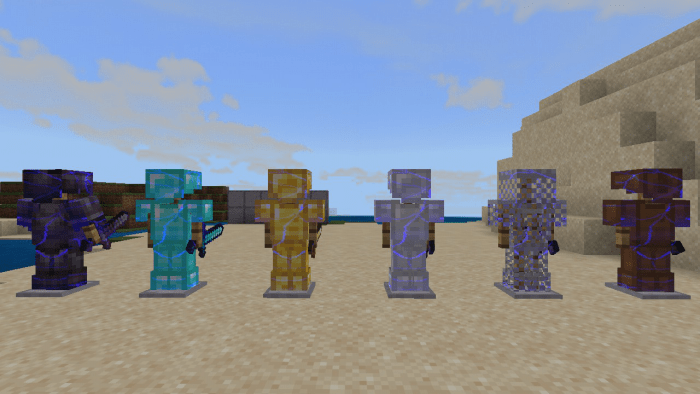
In this update there are 3 packs:
64x - 64x item textures, 128x glint
128x - 128x item textures, 128x glint
256x - 256x item textures, 256x glint
More are soon to come and comment down what do you think of anything.
Credits:
- Xisuma for the inspiration
- melamed_tal for the leather cap, leggings and boots (because I can't find any texture of it the Minecraft resources) hope you don't mind.
- Hybred for the amazing cubemap
- And someone I don't know who is the real owner of the cubic sun and moon (let know down below)
Select version for changelog:
- added adfly link for v3
(Please disregard I have nothing more to add yet)
Installation
- Download the pack above
- Open mcpack file or extract the files into the resources directory
- install on your Minecraft
Note: Restart Minecraft when changing to a subpack or activate/deactivate any random packs that wouldn't interfere with the pack -- These are the methods to make sure the textures load. (At least in this pack)


30 Responses
When your wearing them and you look at the paper doll, the enchanted item goes invisible.
Thought I would let you know on that
Just an FYI
Here's some possible issues and fixes:
- the subpack you chose is not visible in some cases
- the paper doll is wierd at times when not online or unstable connection
- If you'd like blue you can choose the default color of that subpack and download a shader here in mcpedl called "enchant glint color" it's more visible most of the times that way
All I want is for you and everyone else to credit me in some way like any other content creators would.
Please link the one you're referring to
I'll try different patterns and colors soon and green is one I would really love but rendering colored glints in Minecraft is really wierd...
With all that it'll take much longer 'til I can confirm but I'll try
What I did is: open all items that has enchantment glint from the Minecraft default texture and save it as a 256x using the same app I used to do the enchantment glint (and it's not very fun, although worth it)
The lesser the resolution of the items the more pixelated the glint would look in-game (the models are all the same unless the model's code is customized)
Sorry for any inconvenience...
Side note: "Download v2 - MediaFire" takes you to the v1 folder, but going through the v2 adfly takes you to the right folder
It'll be fixed soon
But green pretty much turns white in the looks of it, not very visible though
The textures in the default colors in the pack and also the default texture is mostly white and no other colors (apart from black which is ignored by Minecraft)
In short there's no such thing as a white glint
of course, five stars.
I can definitely remove the glint but not the enchantment name. Thanks for the 5 stars