

Hello there!, do you like futuristic stuff? and wanna added to minecraft? welp here it is, Cyber Craft. This pack is replacing such as Trident, Shield, Diamond Sword, Bow, Arrow, and Elytra (Elyta are not mine, it's bellong to : papa smurfs draco elytra wings). and many more!
SORRY I ONLY SHOW 2 IMAGE PER-CATEGORY, THERE A LOT OF THEM, DISCOVERY BY YOURSELF BY DOWNLOAD IT.
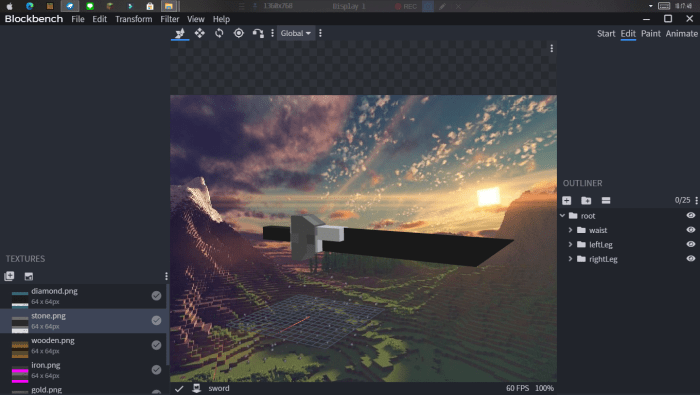
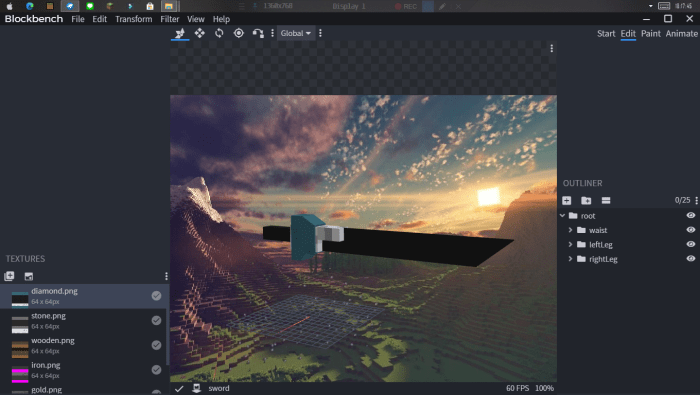
=|SWORD CATEGORY|=
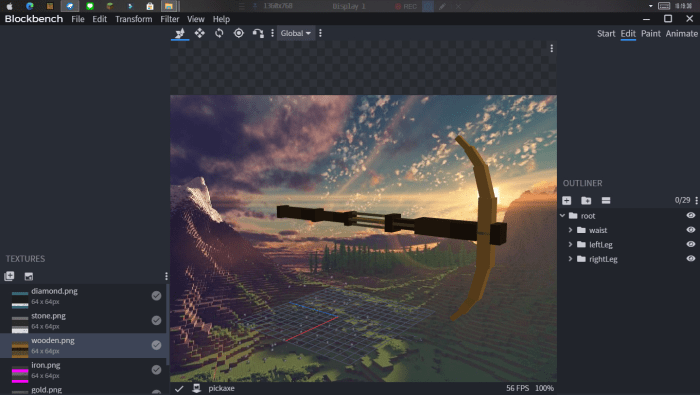
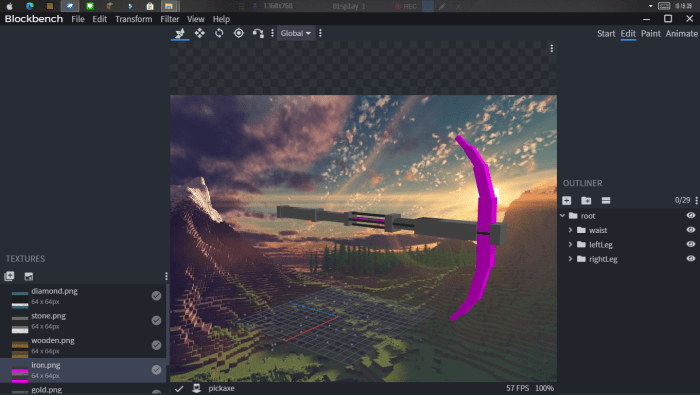
=|PICKAXE CATEGORY|=
- Wooden Pickaxe as Rusty Pickaxe - Stone Pickaxe as Droug Pickaxe - Iron Pickaxe as Mythical Pickaxe - Golden Pickaxe as Drone Pickaxe - Diamond Pickaxe as Plasma pickaxe - Netherite Pickaxe as Magma Pickaxe
=|AXE CATEGORY|=
- Wooden Axe as Rusty Axe - Stone Axe as Droug Axe - Iron Axe as Mythical Axe - Golden Axe as Drone Axe - Diamond Axe as Plasma Axe - Netherite Axe as Magma Axe
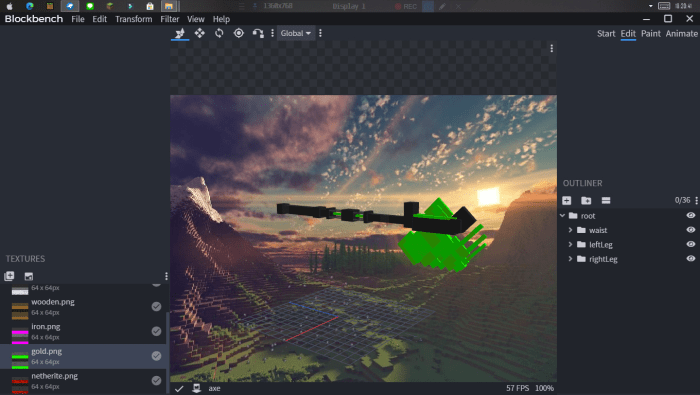
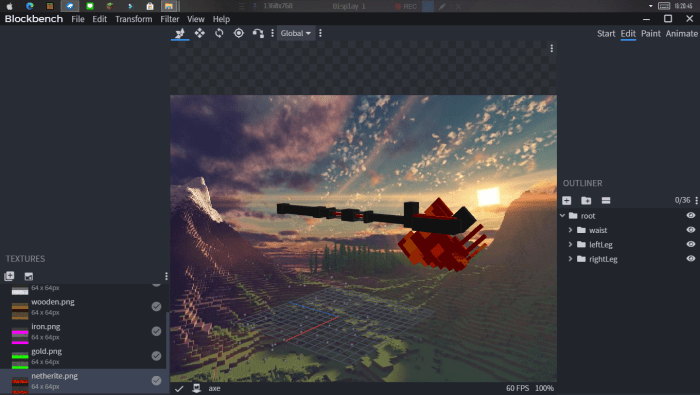
=|SHOVEL CATEGORY|=
- Wooden Shovel as Rusty Shovel - Stone Shovel as Droug Shovel - Iron Shovel as Mythical Shovel - Golden Shovel as Drone Shovel - Diamond Shovel as Plasma Shovel - Netherite Shovel as Magma Shovel
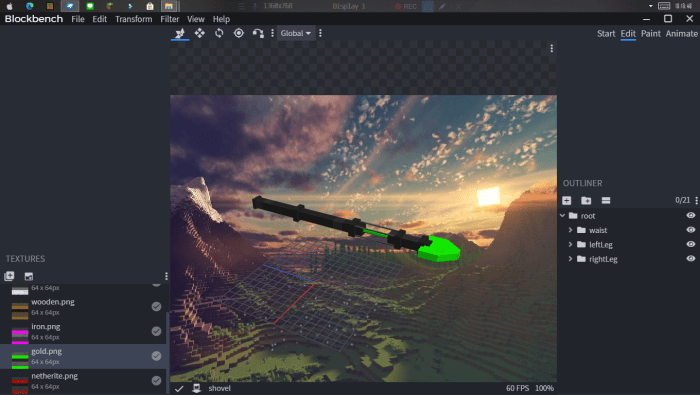
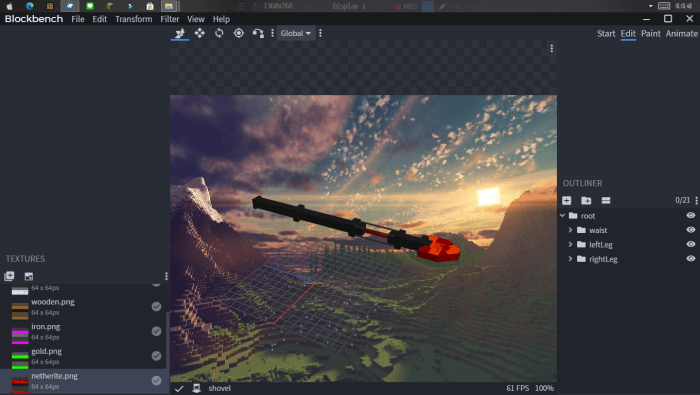
=|HOE CATEGORY|=
- Wooden Hoe as Rusty Hoe - Stone Hoe as Droug Hoe - Iron Hoe as Mythical Hoe - Golden Hoe as Drone Hoe - Diamond Hoe as Plasma Hoe - Netherite Hoe as Magma Hoe
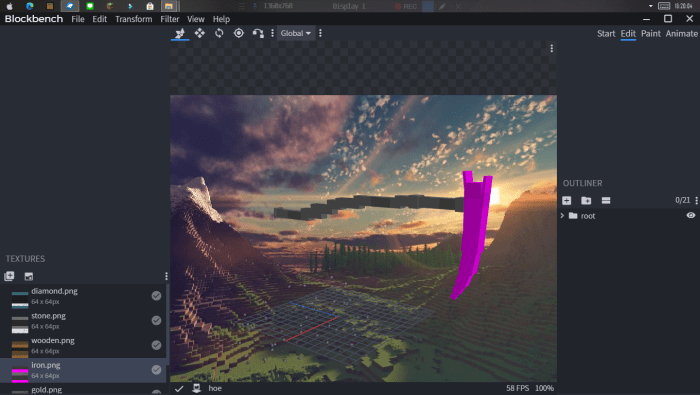
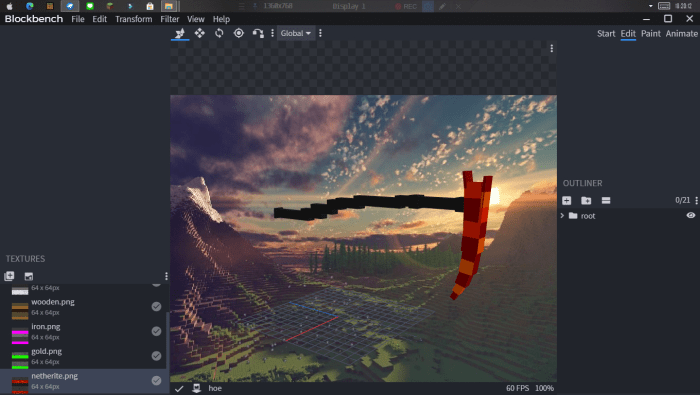
=|BONUS|=
Shield as Solar Shield - Trident as Cyber Trident
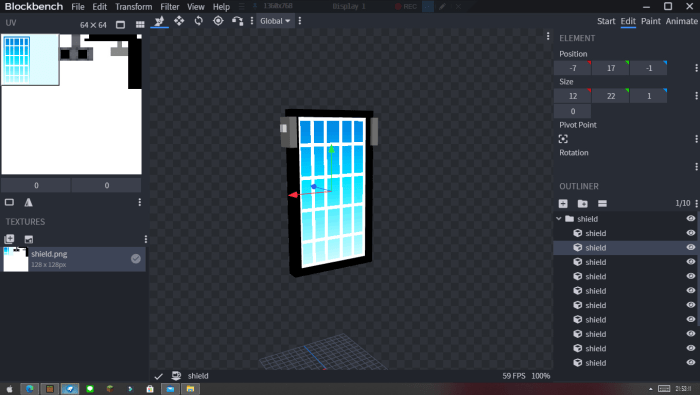
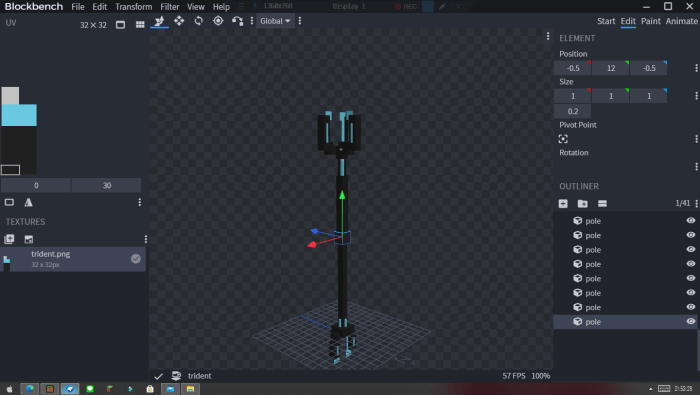
Even i add Indicator to Bow A.K.A Plasma Gun take a look.
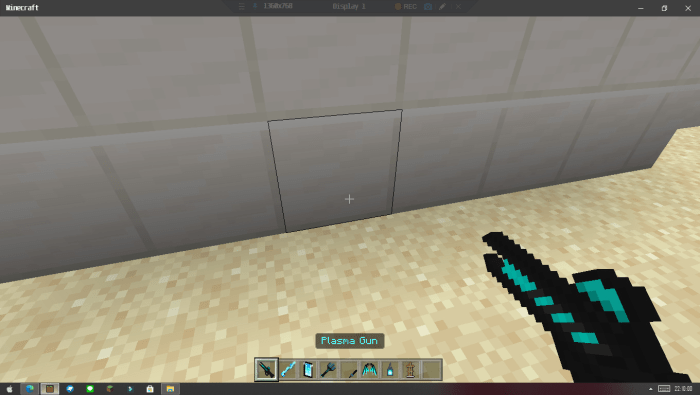
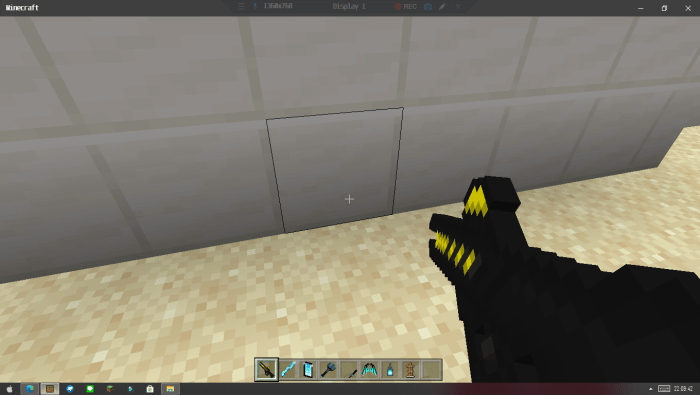
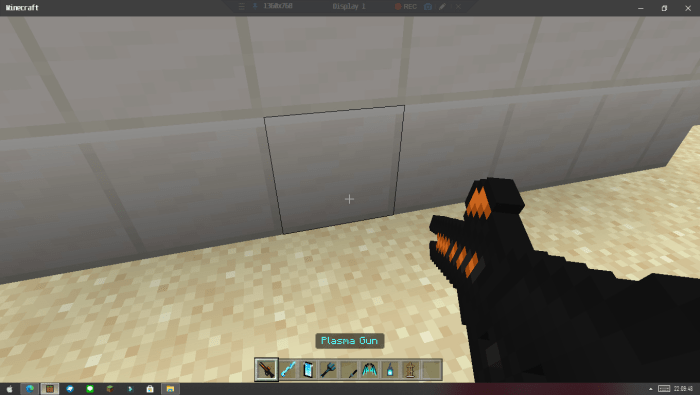
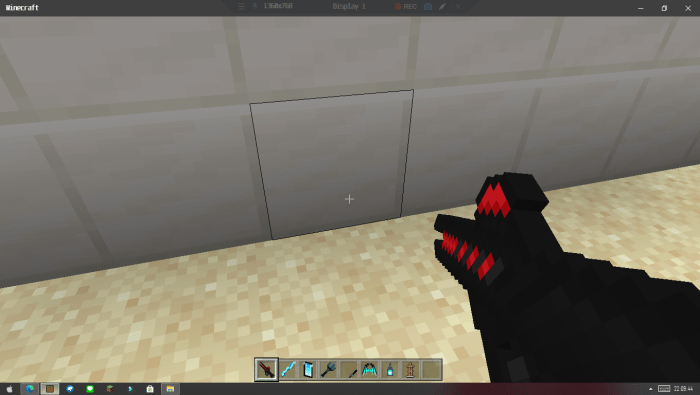
Feel free to give a feedback and suggestion.
-=| Version 4 Animation Update! |=-
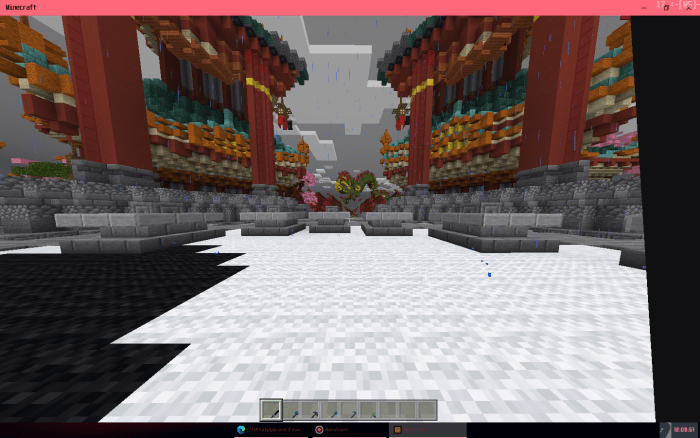
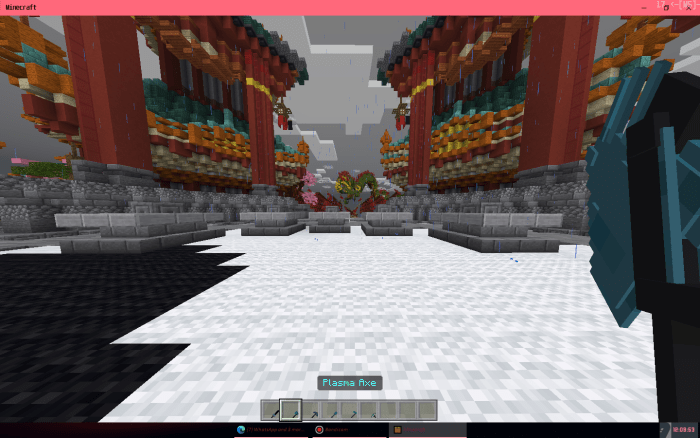
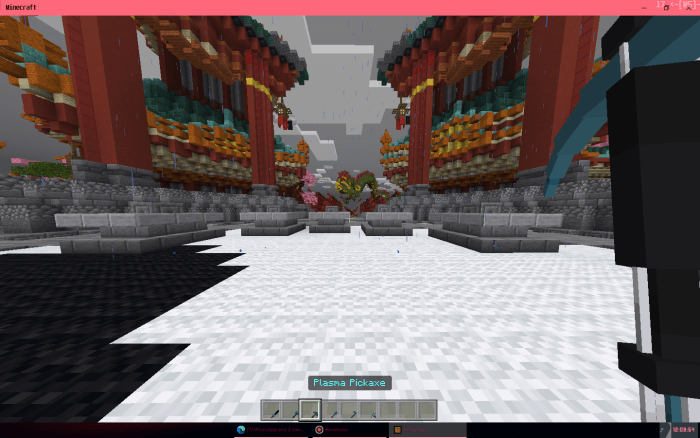
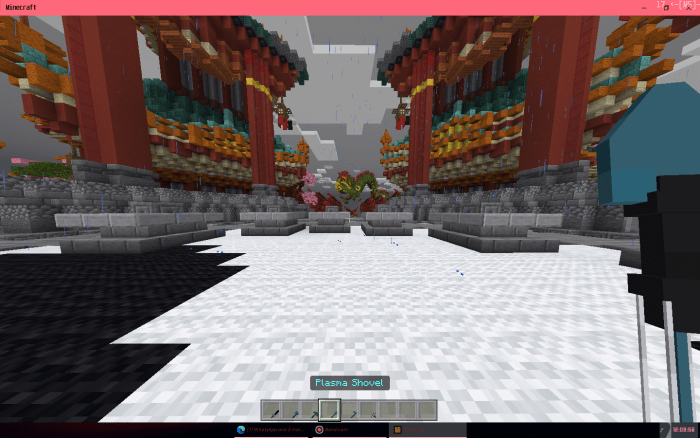
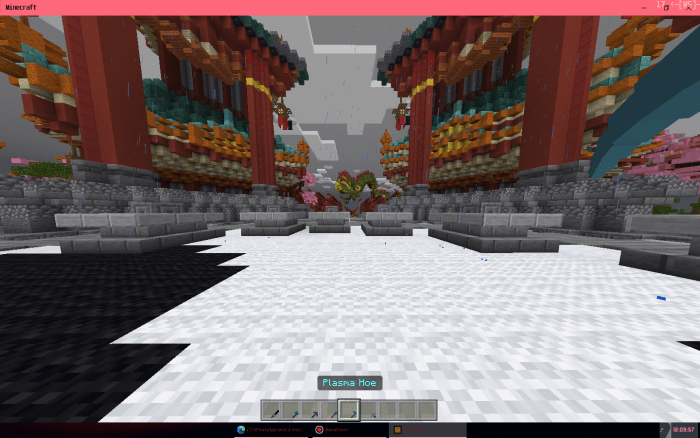
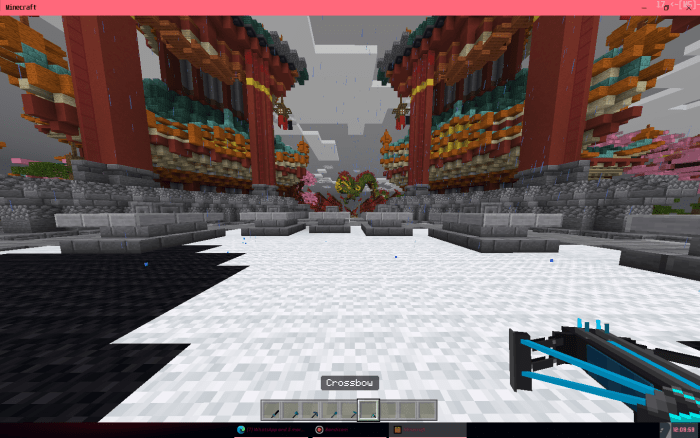
This aplied to all Tools that include in Cyber Craft Texture pack.
Behind The Scene :
Do not claim this Model's as your model!
You are allowed to modify this Resources Pack.
Do not share direct download link! use mcpedl.com link instead.
To download the recent file you can find the most updates down below.
Select version for changelog:
v4 Update!
- Animation Update, it's fixed the First Person Animation being anoying aat first time, but now its gone! ENJOY!
Installation
=LINVERTISE=
1. Click Download LINVERTISE
2. Click check mark box "i'm not a robot"
3. Wait 5 Second and click "Free Acces with ads"
4. Click "Discover Articel"-> wait 10 second's -> close by "X"
5. Click "Continue"
6. Scroll down and click "Download"
=ADFLY=
1. Click Download ADFLY
2. Wait 5 second's
3. Click SKIP
4. Click Allow
5. Download and apply


75 Responses
- No cape, with no reason.
- Some Persona Skin become steve
and i don't know how to fix it.
When the pack is enabled all the items have the default texture and none of the models loaded, the only version that worked was v1 with the sword and bow, v3 and armor update didn't work tho. Big sad
boner
Do ur best and keep going ❤️
example : Crossbownya jadi miring 90° Derajat dan benerin swordnya kalo lagi di first person camera
Btw Sorry for bad english