

The Clouds Changer Pack lets you customize the clouds in-game to look completely different from the vanilla textures. For example, you can change the colors to fade from pink to light blue, or use a rainbow colored style.
Creator: Keyyard, Twitter Account, Website
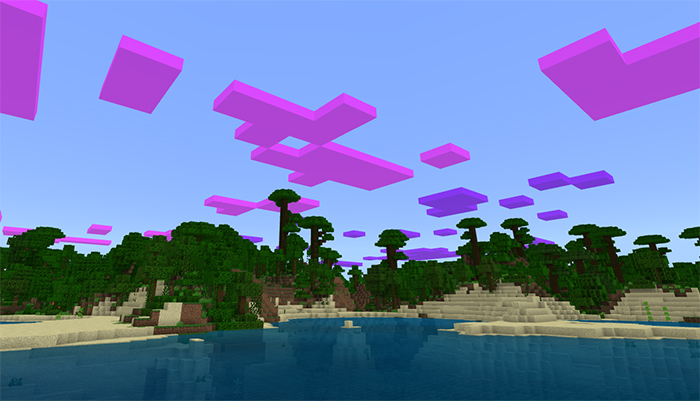
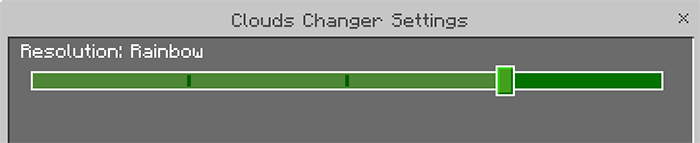
 There are five different preset styles that you can choose between. Use the slider as seen further down to select one of the options.
You might need to restart the game for some settings to apply.
There are five different preset styles that you can choose between. Use the slider as seen further down to select one of the options.
You might need to restart the game for some settings to apply.
How does it work?
After you've applied the pack in the Global Resources in the Game Settings you will notice that the clouds have a quite different appearance.
There are five different preset styles that you can choose between. Use the slider as seen further down to select one of the options.
You might need to restart the game for some settings to apply.
Installation
- Download Resources .McPack
- Start Minecraft.
- Settings > Global Resources > Activate the pack.
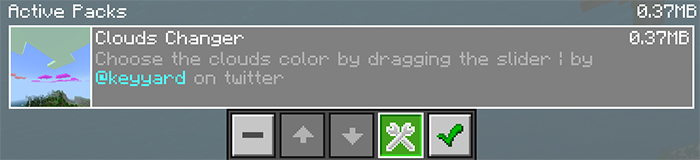
- Select the pack in the list of active packs and click the Gear Icon.
- Use the slider to select one of the cloud options.



12 Responses