MCPE DL

Mods, Maps, Skins, Seeds, Texture Packs

Published on October 29, 2020 (Updated on January 21, 2021)

Better Skyboxes

Better Skyboxes

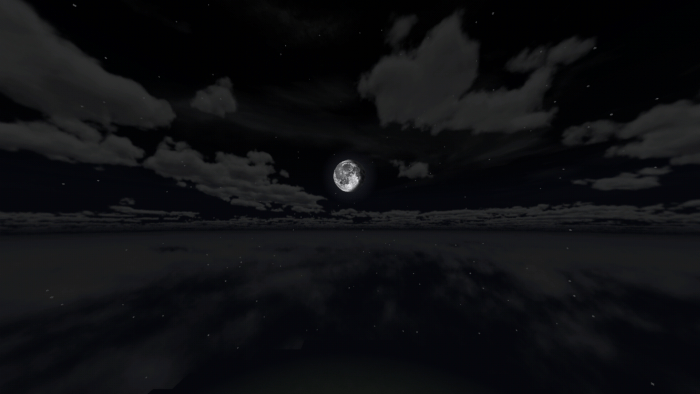
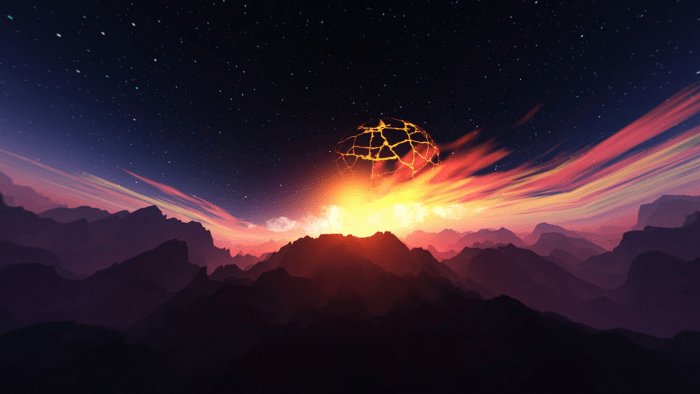
Better Skyboxes adds 12 new skyboxes to the game and will be updated with more skyboxes regularlily. You can change which skybox you're using by changing between the subpacks


Realistic Sky 1
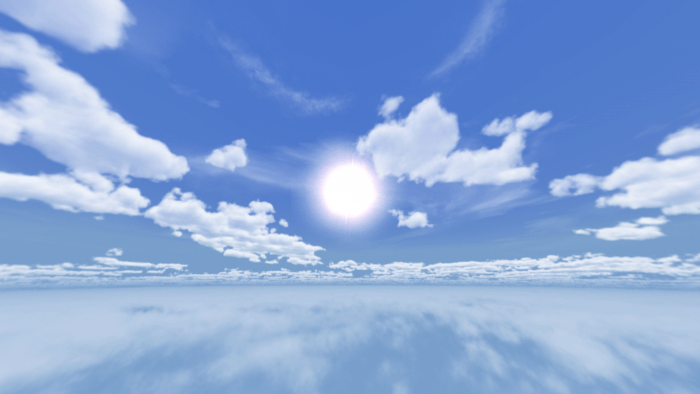
Realistic Sky 2

Realistic Sky 3
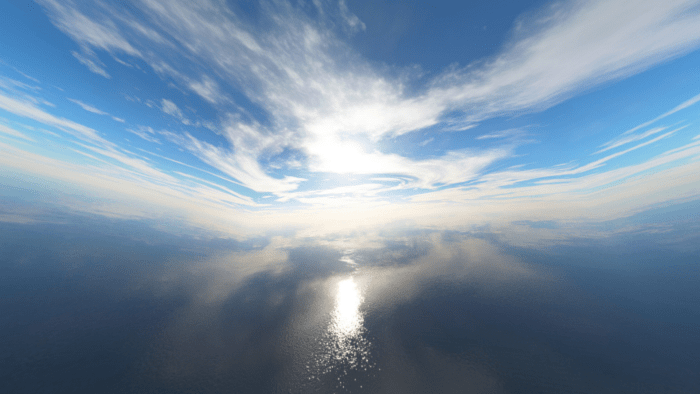

Stylized Sky
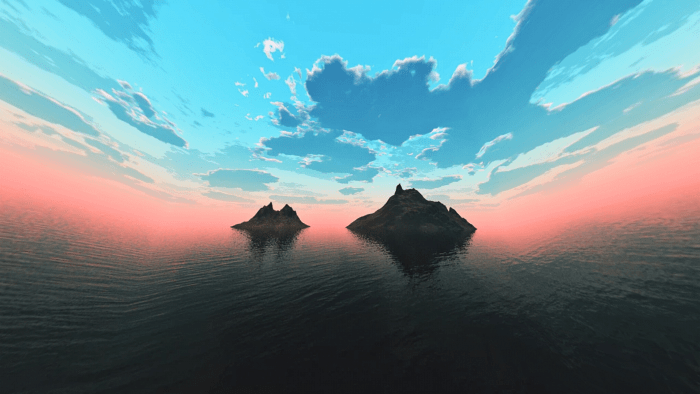
Stylized Space
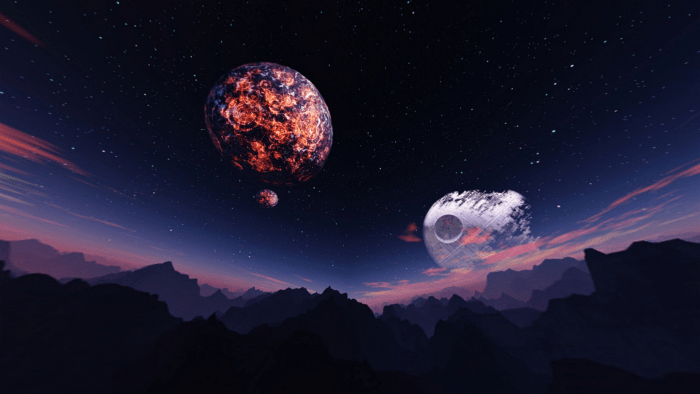
Endtime
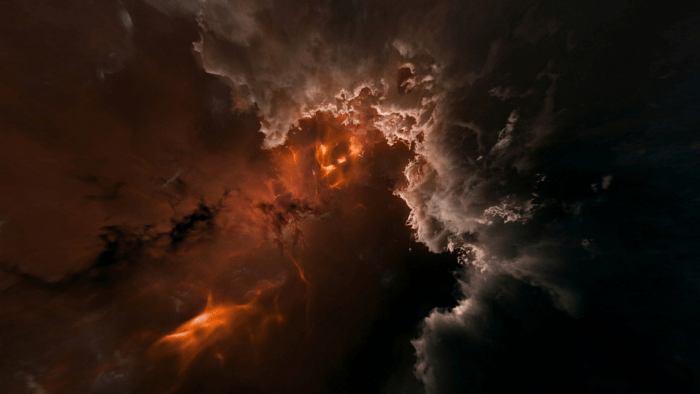
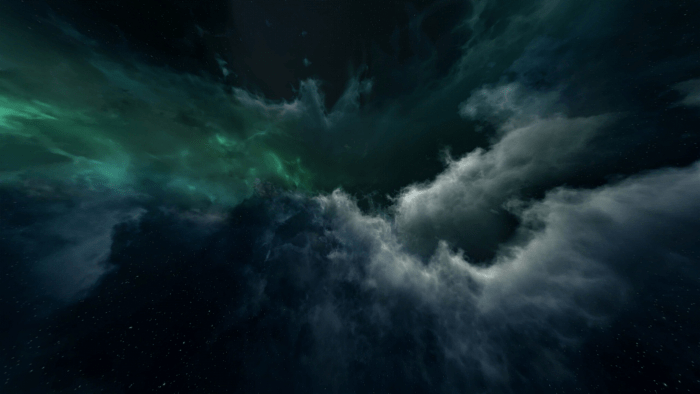
Cloudy Aurora
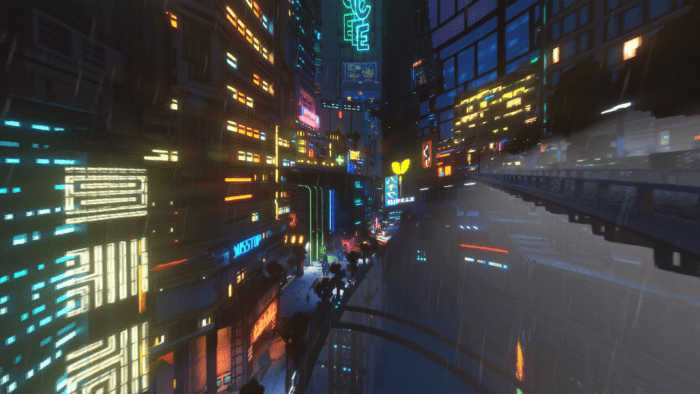
Cyberpunk
Blue Nebula
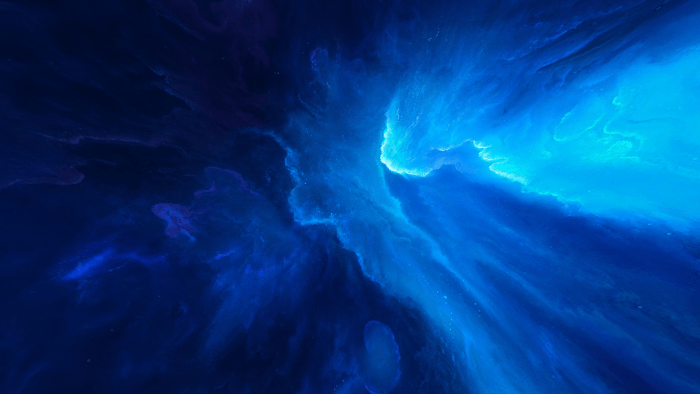
Cosmic Bang
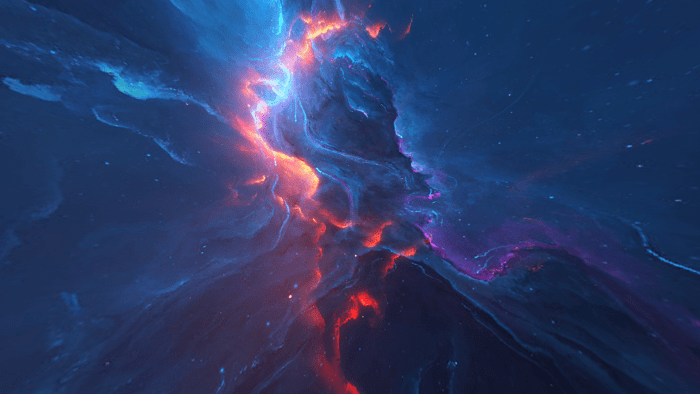
Galactic
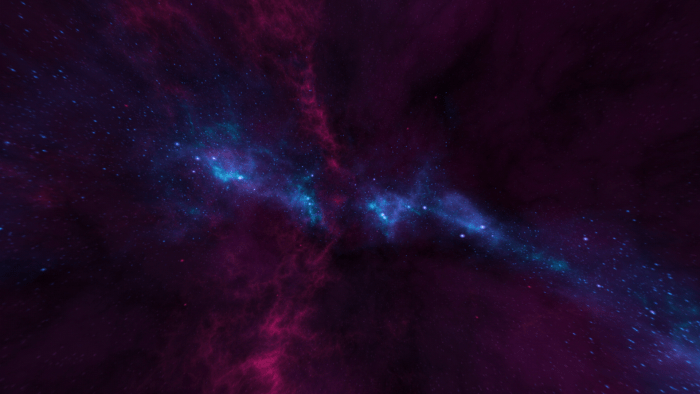

Dark Matter
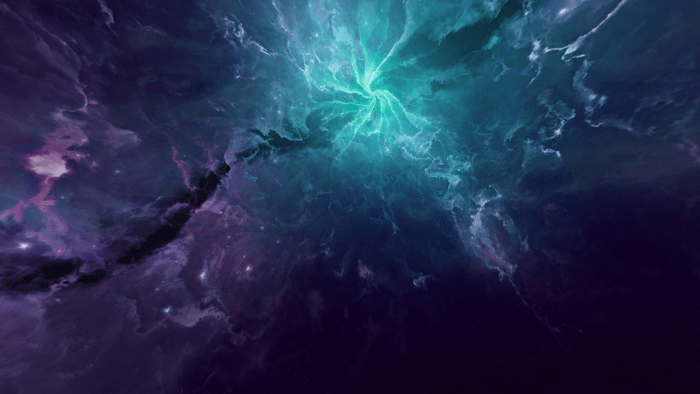
Preview


How To Change Between Skyboxes
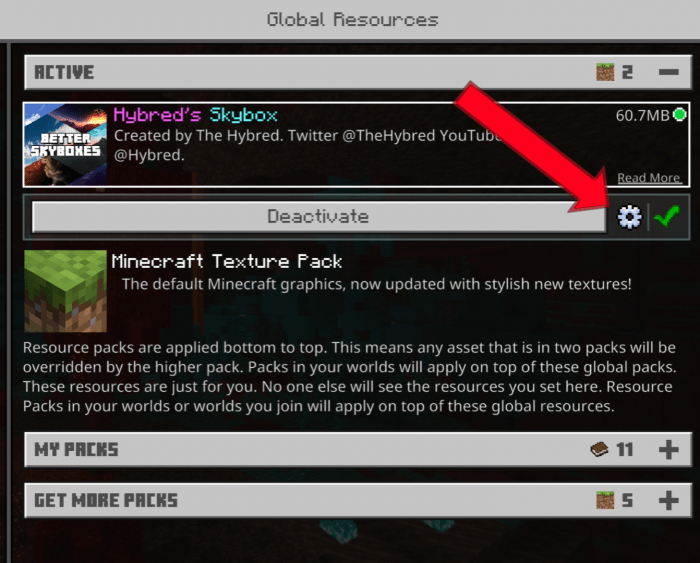
Information

Join my Discord server to share your own packs or to download others

Follow me on Twitter for updates & YouTube for videos

Terms Of Use

You are prohibited from creating your own link for this pack or using the direct link. You must link this page

You are allowed to edit this for your personal use without redistribution

Warning: You may need to restart your game when switching between different skies. The moving version only works on mobile

MADE BY

Select version for changelog:

Changelog

Updated the pack to the latest versions of Minecraft including the betas

Installation


How To Bypass Linkvertise

1. Click on "Free Access with Ads"

2. Click on "Discover interesting articles"

3. Wait 10 seconds then exit out of the articles

4. Click "Continue"

Playstation: Install the pack on your world/realm from your pc or phone then join on your console


How To Get Custom Texture Packs On Xbox

Supported Minecraft versions

Resolutions

Installation Guides

36 Responses

Comments 36
4 / 5 (20 votes)
1
MrAgentBlaze's Second Account January 04, 2021 at 10:37 am
Nice Textures, deserves 1 star
Log in to Reply
1
Really beatiful, but I have a problem. I got the animated one but it isn't moving at all. How can I fix this? I will vote 5 when I get the problem fixed.
Log in to Reply
1
SpaghettisANDPotatoes December 21, 2020 at 3:18 am
Hi! Can I use this shader for a 'fused shader' shader? I'll give you credit :).
Log in to Reply
1
SpaghettisANDPotatoes December 21, 2020 at 2:50 am
For those who don't know how to get passed linvertise, or just doesn't want to, download the Universal Bypass extension for your browser, it'll just get you passed the link WHILE the creator is being supported. It's a win-win. Also, great mod.
Log in to Reply
1
Looks great, Animated Version isn't actually animated though. Is it supposed to be animated or how do you enable it? (yes i downloaded the moving version)
Log in to Reply
1
Only works on mobile sadly, mojang removed shader support for pc
Log in to Reply
1
used it before but now even more spport
Log in to Reply
1
Finally got the pack to download!
5 stars for the Customer Support
Log in to Reply
1
The Linkvertise download page wanted me to download the add-on but when i did download it, it didn't show up i'm my download folder meaning there was a virus detected and it was automatically deleted
And trust me i'm good with downloading stuff, that is indeed a virus link
Log in to Reply
1
I just need a good skybox man
Log in to Reply
1
Can I use this for my personal pack "end sky"?
Log in to Reply
1
Why linkvertise? I dont know how to use it
Log in to Reply
1
Yay I learned to use linkvertise now
Log in to Reply
1
Wow this really cool shaders I will rate it 10/10
Log in to Reply
1
Just what I need. Thanks!
Log in to Reply
1
the only problem with me is that there isn't a day/night cycle. there might be and it isn't working for me but it doesn't look as good with out the sunrise and sunset
Log in to Reply
1
also sadly because of the way Minecraft is new chunks are loaded in in a very light blue so it ruins any dark background
Log in to Reply
1
I love it!!! It looks better with shaders, add more skyboxes at night cuz realistic 2 doesn't have, and it looks funny at night
Log in to Reply
1
Bedrock edition doesn't support separate Skyboxes for different times of day. The reason realistic sky 1 looks good is because it only adds clouds, a sun and moon and the clouds are transparent. The other packs change the entire sky so at night it just gets dim. Can't fix it unless Mojang adds better support for Skyboxes, or maybe I can make some shader code to change the night time dimming levels. I'll test some things out :)
Log in to Reply
1
does it work on Xbox
Log in to Reply
1
Xbox players note: Only the first realistic one works the others don’t. Still it’s a lot better than the vanilla version. Good work man.
Log in to Reply
1
For console users who want a better skybox the first ones sun and moon works, but besides that nothing else. So if you're on console and want a better sky try this: https://mcpedl.com/console-shader-pack/?cookie_check=1
Log in to Reply
1
how do I get it to work?
Log in to Reply
1
Nice????????????????????????????????????????
Log in to Reply
1
my golly goodness this is incredible 100000000000000000000000000000/5 im telling my friends about this awesome pack and fuck ChilDragonMC
Log in to Reply
1
GREAT 10 STARS ⭐⭐⭐⭐⭐⭐⭐⭐⭐⭐
Log in to Reply
1
It's incredibly good i would use all the time!
Log in to Reply
1
Can I add it to my texture pack?
Log in to Reply
1
Dude I can nothing Download it because of that sh*tty Scam site. Forced me to download or Open random sh*t and the Link "continue" still greyed out. Wow, THANK YOU for wasting my F*cking time. You should switch to another site which hold their promises or get a Job so we can direct download without getting trouble with that nonsense.
Log in to Reply