

The script give you access to some of entities behaviors to edit them like name, health and size you can change your health and damage and name too and make giant zombies.
Credits to reimarPB for css file
To open UI:
First you must have permissions. the first one who join the world (the owner) get permissions to edit entities and he can give other players permissions.To open the UI craft (editor) item with 3 sticks
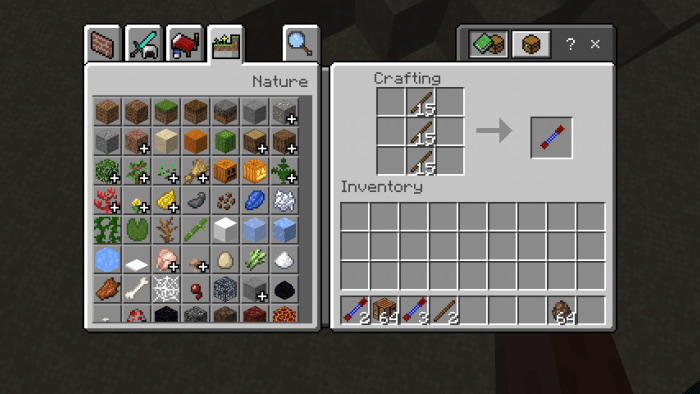
hold the item with you hand and click on any block to open the UI
You can give other players permissions by crafting menu item using 4 sticks
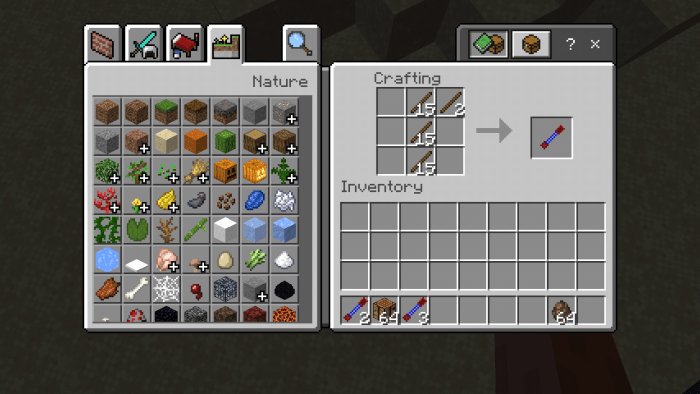
and use it as i mentioned then UI will appear with a list of players on the world press on the player you want to give permissions his name will become green(in ui) to inform you that its done (note:you must have "admin" tag to use "menu" item the owner gets it automatically but you can give it to some one manually)
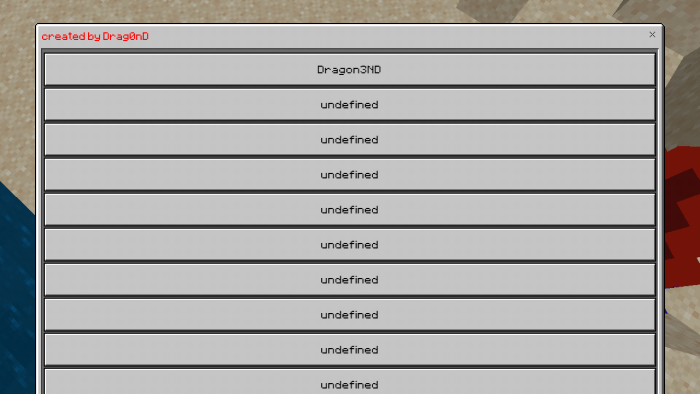
other note:the UI you get when you use menu item show 11 players slots so if there are more than 11 players and not all of them appear in UI you can give them permission by this command /scoreboard players set
their score must be 1 and dont delete this scoreboard objective its made by the script
Options you have:
1-change name of entities
(identifier of entity) (number of entities that will get the change) name (always show the name:true or false) (the name)
example: minecraft:zombie 2 name true hello mcpedl
also you can add new lines with \n button in bottom right of keyboard in UI
2-you can add a text to the name without overwriting it for example of a zombie is named "hi" and you type
minecraft:zombie 1 addtoname true hi
his name will be hihi
3-health you can set to any value
(identifier of entity) (number of entities) health (value)
example: minecraft:zombie 3 health 100
4-size (its fake size their hitbox doesnt change and it doesnt work on all entities this may be fixed in the future) you can make mobs larger or smaller(if you use values lower that 0 use -1 to make entity invisible)
(identifier) (number) size (value)
minecraft:zombie 2 size 5
5-myname: will change your name
myname (enter a name)
example: myname hello world
6-addtomyname will add text to your name without overwriting previous one
example: addtomyname §4owner
7-myhealth will change your health (note youe have to take damage to see your new health)
example: myhealth 50
8-mydamage changes you attack damage
example: mydamage 20
9-(identifier) (number of entities) inventory (true or false) to make entities with inventory able to take items from them by a hopper (example: minecraft:villager_v2 1 inventory true) (doesnt work on donkey not sure why)
you can find all these instructions in help menu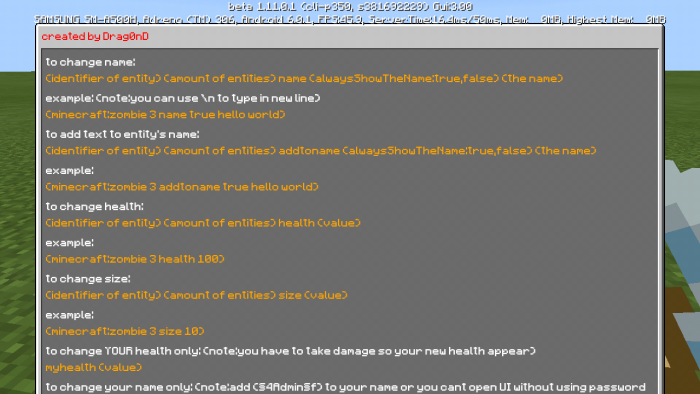
you can use my mob indicator script to see the new health of entities find it on mcpedl
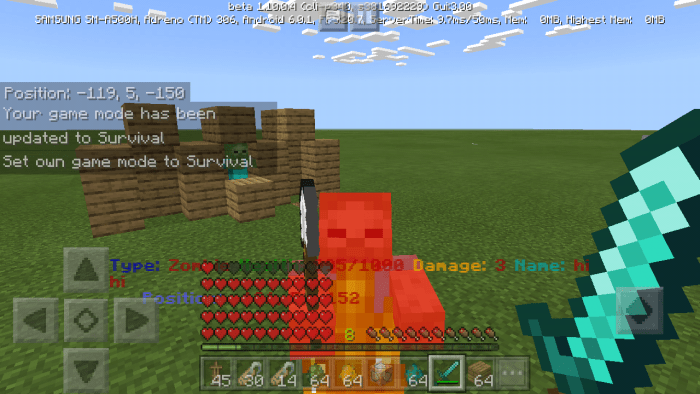
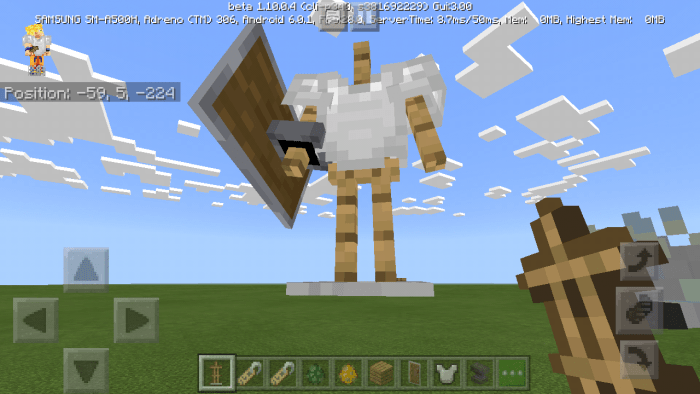
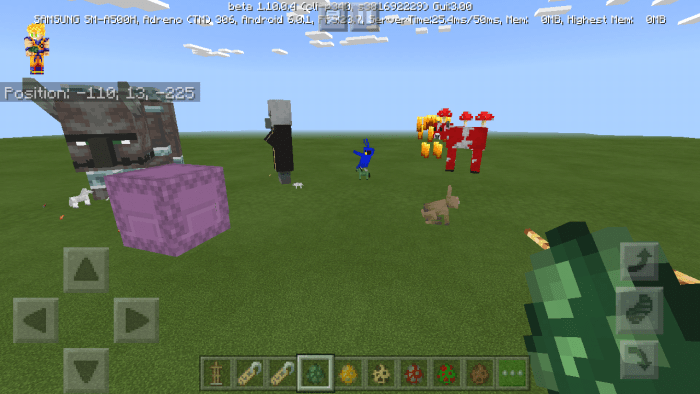
Note:changing size with commands will not work on all mobs
watch tutorial https://streamable.com/c2at0 (old)
Select version for changelog:
- i recommend reading the description again because alot of stuff changed
- removed the way to resize entities with name tags (i will find a better way when developers fix the game)
- changed the way of opening ui see description
- added "mydamage" to change your damage
- added a command to make entities with inventory able to take items from them by a hopper (example: minecraft:villager_v2 1 inventory true)
- im aware of issue the UI become big or small depending on how much pixels your device has i will try to fix it
Installation
- press on mcaddon link and you will get to adfly site press skip add
- you may get directed to some pages asking to enable notifications just ignore them you will get directed to mediafire automatically
- when you download the file open it and the game will open and import them
- enable the behavior pack and resource pack to a world (i recommend making a copy)


29 Responses
also the crash bug is caused by blocklauncher not the script
you can get the items by crafting